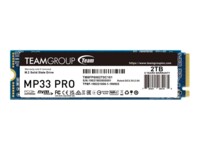
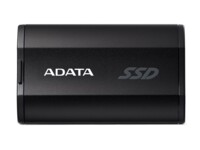
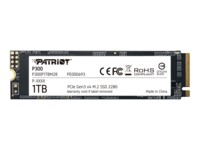
Internal SSDs
Internal SSDs are used as primary or secondary storage in desktops, workstations, and laptops where performance, stability, and compatibility are critical. The category includes solid state drives for both upgrades and new installations, delivering fast data access, low latency, and reliable operation.
Benefits for resellers
Internal SSDs are well suited for standardized configurations as well as targeted upgrades. A wide range of capacities, interfaces, and form factors makes it possible to support both legacy platforms and modern systems using consistent specifications, simplifying inventory management and compatibility decisions.
Key considerations in this category
- Capacity: SSDs are available in multiple sizes – from smaller capacities for operating systems and basic installations to larger capacities for applications, databases, and extensive data storage.
- Interface: The choice of interface directly affects performance and compatibility. SATA is commonly used in existing or older systems, while PCIe/NVMe delivers significantly higher speeds in modern hardware platforms.
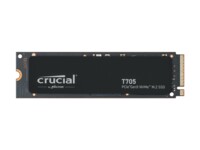
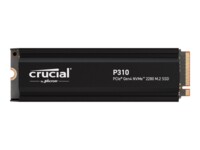
- Form factor: Internal SSDs are available in several form factors, including 2.5" and M.2 in various lengths. The form factor must match the motherboard, chassis, and thermal constraints.
- Performance: Sequential read/write speeds and IOPS should be aligned with the workload – from standard office use to more demanding environments.
- Compatibility: BIOS/UEFI support and PCIe generation are important factors when upgrading existing systems.
Brands in this category
Frequently asked questions
How do you choose the right capacity?
Capacity should be selected based on data volume, application requirements, and expected future growth.
Which interface is most relevant?
SATA is typically used in older systems, while PCIe/NVMe is preferred in newer platforms with higher performance requirements.
What does form factor mean for internal SSDs?
The form factor determines physical compatibility with the motherboard and chassis and must match system specifications.
Can internal SSDs be used for upgrades?
Yes, internal SSDs are commonly used for upgrades, provided the interface and form factor are supported.