


To gain full access to our webshop, find our entire product range and see our prices, you need to be logged in.
Log in to your account here or sign up as a customer here.
Log in to your account here or sign up as a customer here.
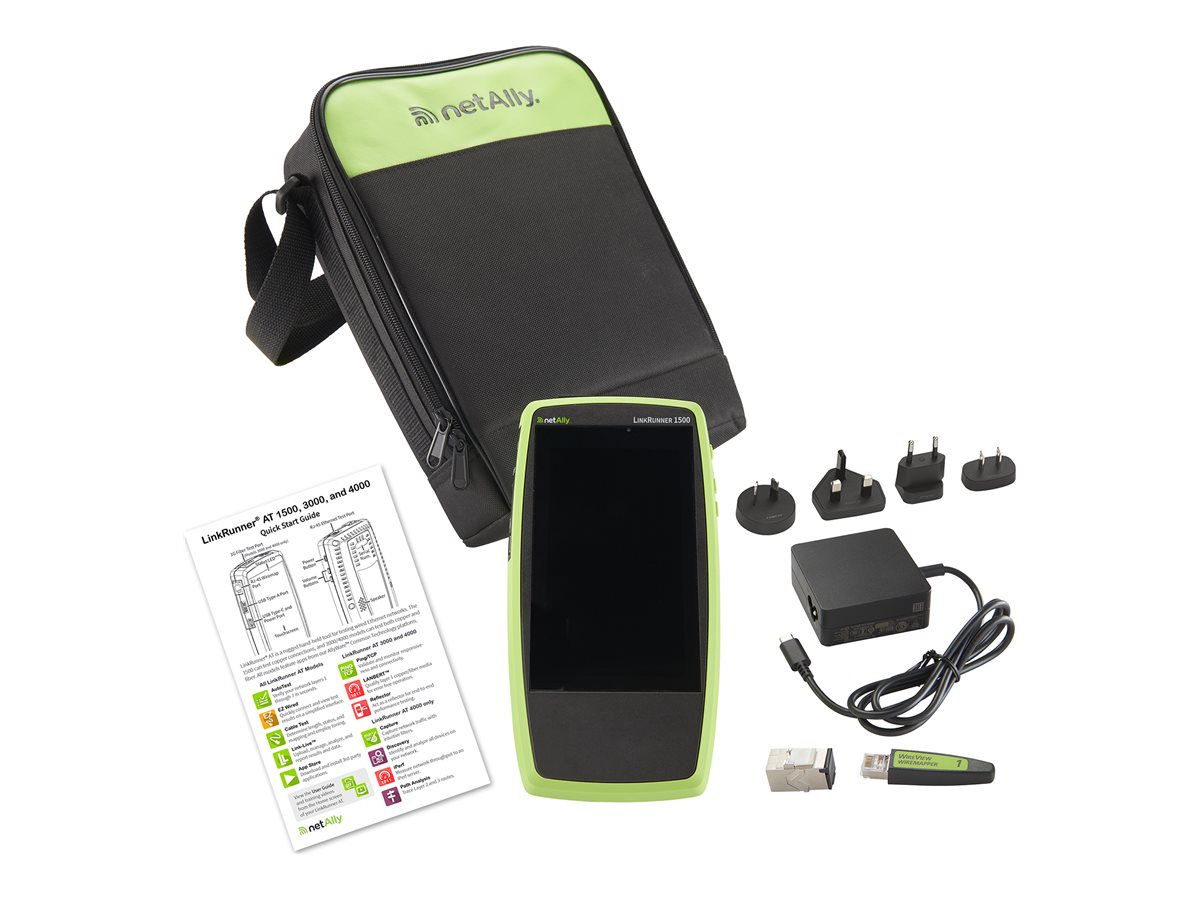
NetAlly LinkRunner AT 1500 Netværkstester Kobber
NetAlly LinkRunner AT 1500 - Netværkstester
-
Product no 1004088139
Model LRAT-1500
Brand NetAlly
EAN 0841969101625
Weight 0.48 kg
-
Product information and specifications are guiding only. Without notice, these can be subject to change by the manufacturer. This applies for product images as well.
| Produktbeskrivelse | NetAlly LinkRunner AT 1500 - netværkstester |
| Enhedstype | Netværkstester |
| Tests, værktøjer og mål | PoE, wiremap, netværksforbindelse, UPoE |
| Funktioner | VLAN support, TruePower PoE, 802.1x autentificering, netværkskonfiguration med DHCP, Link Layer Discovery Protocol (LLDP), Cisco Discovery Protocol (CDP), USB-forbindelse, status LED, indbygget 8 GB flash |
| Skærm | 5" |
| Kraft | 100-240 V |
| Dimensioner (B x D x H) | 10.2 cm x 4.2 cm x 19.6 cm |
| Vægt | 480 g |
.png)
LinkRunner AT 1500 Overview
The LinkRunner AT 1500 is designed for frontline technicians who need fast and comprehensive validation of copper network links with powerful network connectivity troubleshooting. While offering the same core functions of its predecessor (LinkRunner 1000), the LinkRunner AT 1500 features a large touchscreen and in-depth AutoTest that provides deeper network visibility.With tools designed to help with network changes and troubleshooting, these network testers’ quick cable test and switch identification functionality facilitates installation validation and fast problem isolation.
Test results can be automatically uploaded to the Link-Live collaboration, reporting, and analysis platform to improve teamwork between network engineers and technicians, creating greater job visibility, better project control, and improved tester fleet management. Independent management plane via wired or Wi-Fi connection (with optional adapter) allows remote operation and result uploading independent of the network under test.
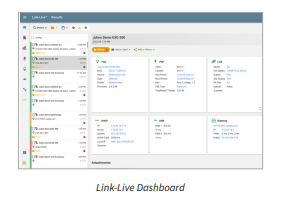
Link-Live™ Collaboration, Reporting, and Analysis Platform
Link-Live acts as a central system for managing test results and devices. It streamlines workflows by allowing easy logging, documenting, and reporting of test activities. When your tester is connected to Link-Live, test results are automatically uploaded to the dashboard for project management and reporting. In the case of no internet connectivity (air-gapped networks or new construction) results are buffered infinitely until connectivity is established You can also upload additional files, screenshots, images, profiles, location information, and comments whenever needed. Moreover, LinkRunner AT 1500 testers with AllyCare Premium Support can receive firmware updates directly from Link-Live..png)
.png)
.png)
EZ Wired – Identifies the nearest connected switch and critical configuration information
The EZ Wired test provides the same essential insights as AutoTest and the former Switch app, with a streamlined workflow built for fast, reliable visibility. It delivers the most complete and customizable network link validation in a single workflow. Designed for speed, accuracy, and flexibility, it combines comprehensive connectivity testing with detailed switch diagnostics, ensuring every aspect of network performance is validated in seconds.Cable Test – Validate cabling for proper termination, test for length, common miswires, and distance to fault
The LinkRunner AT’s Cable Test can help you determine cable length and fault status, verify wire mapping of patch cords and structured cabling, and locate cables using toning or WireView office locators. Test structured cabling using the top RJ-45 port. Test patch cables with the built in second RJ-45 for complete pin to pin mapping and TDR.Ping/TCP Test – Verify connectivity to on or off-network devices, ensureTCP port availability
The Ping/TCP test app runs a Ping or TCP Connect test to your chosen target, allowing youto verify connectivity and identify intermittent issues.A Ping test sends an ICMP echo request to the selected target to determine whether can be reached and how long it takes to respond. Test for MTU issues using the frame size and do not fragment settings. The results are trended, displaying the last 24 hours as well as loss statistics.
A TCP Connect test opens a TCP connection with the selected target to test for port availability using a 3-way handshake (SYN, SYN/ACK, ACK). You can open the TCP/Ping app from the Home screen, or you can select Ping or TCP Connect from another app, such as AutoTest, while viewing a device’s details
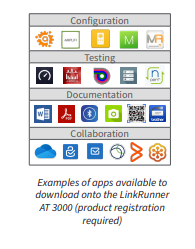
Additional Tools and Diagnostics – App Store
After registering the tester, users can download apps from the Link-Live app store to accomplish many tasks in addition to testing. Using third-party apps and USB or BT/BLE accessories allows the user to:• Use the system web browser to connect to infrastructure elements and other resources.
• Take pictures of or scan asset tags for documentation and inventories
• Identify available Wi-Fi networks
• Print ID labels
• Manage trouble tickets, and much more!
.png)
.png)
.png)
.png)
.png)
.jpg)
.jpg)
.jpg)
.jpg)
.jpg)