


Log in to your account here or sign up as a customer here.
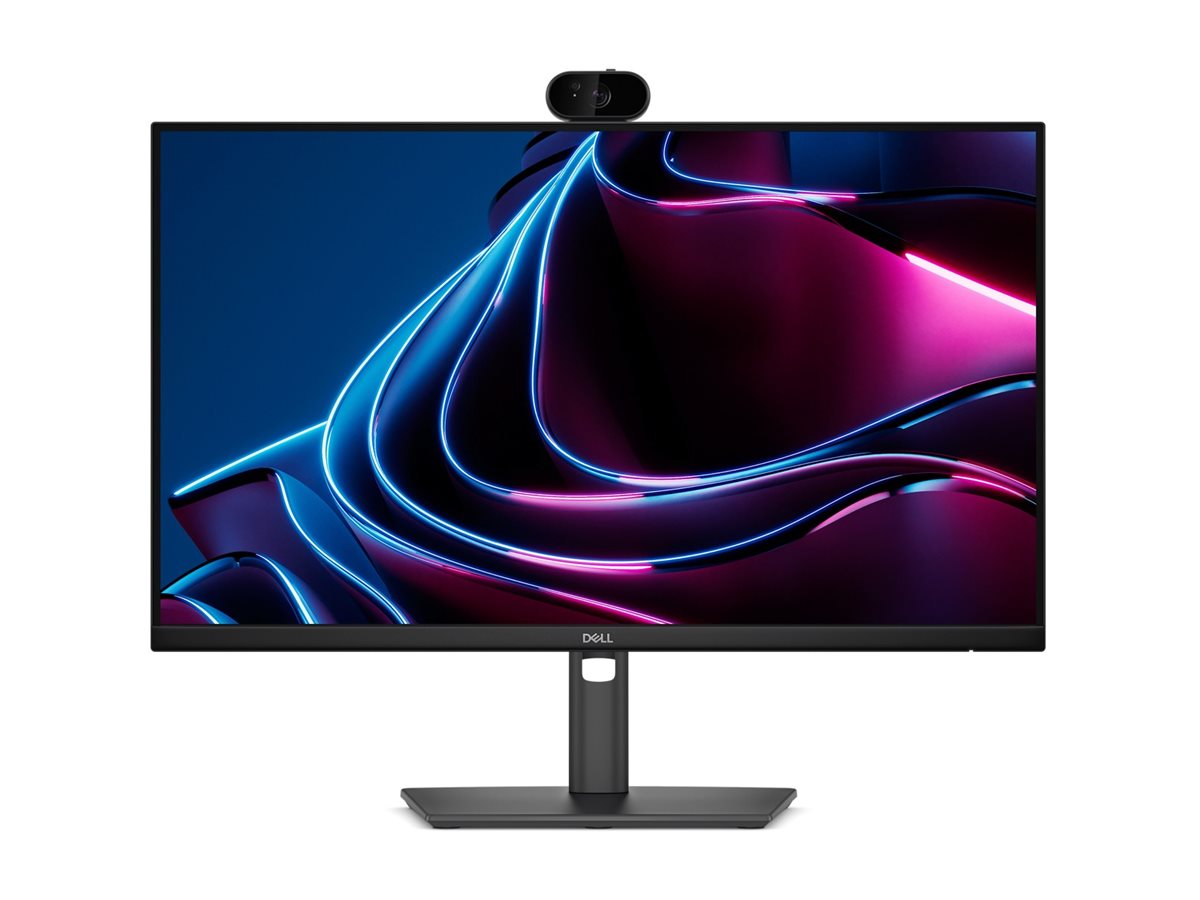
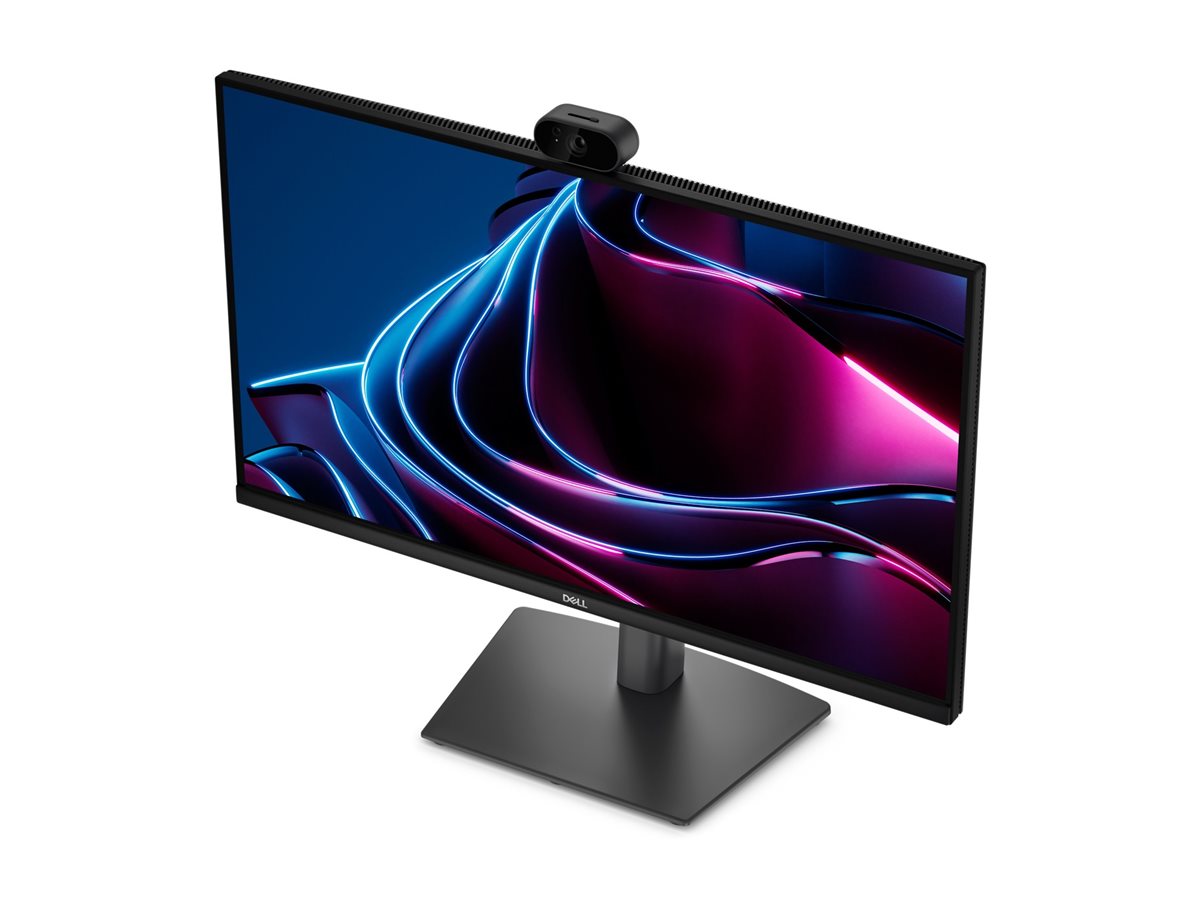
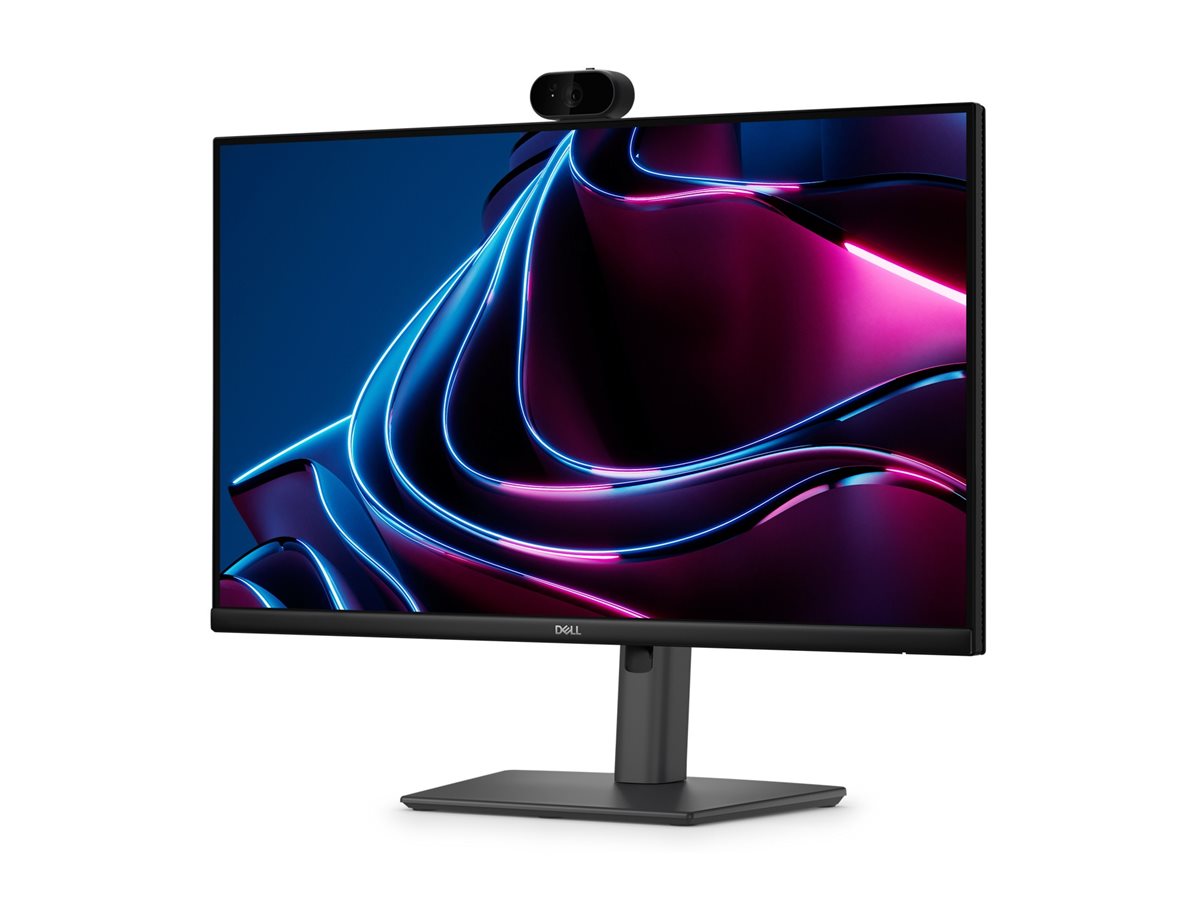
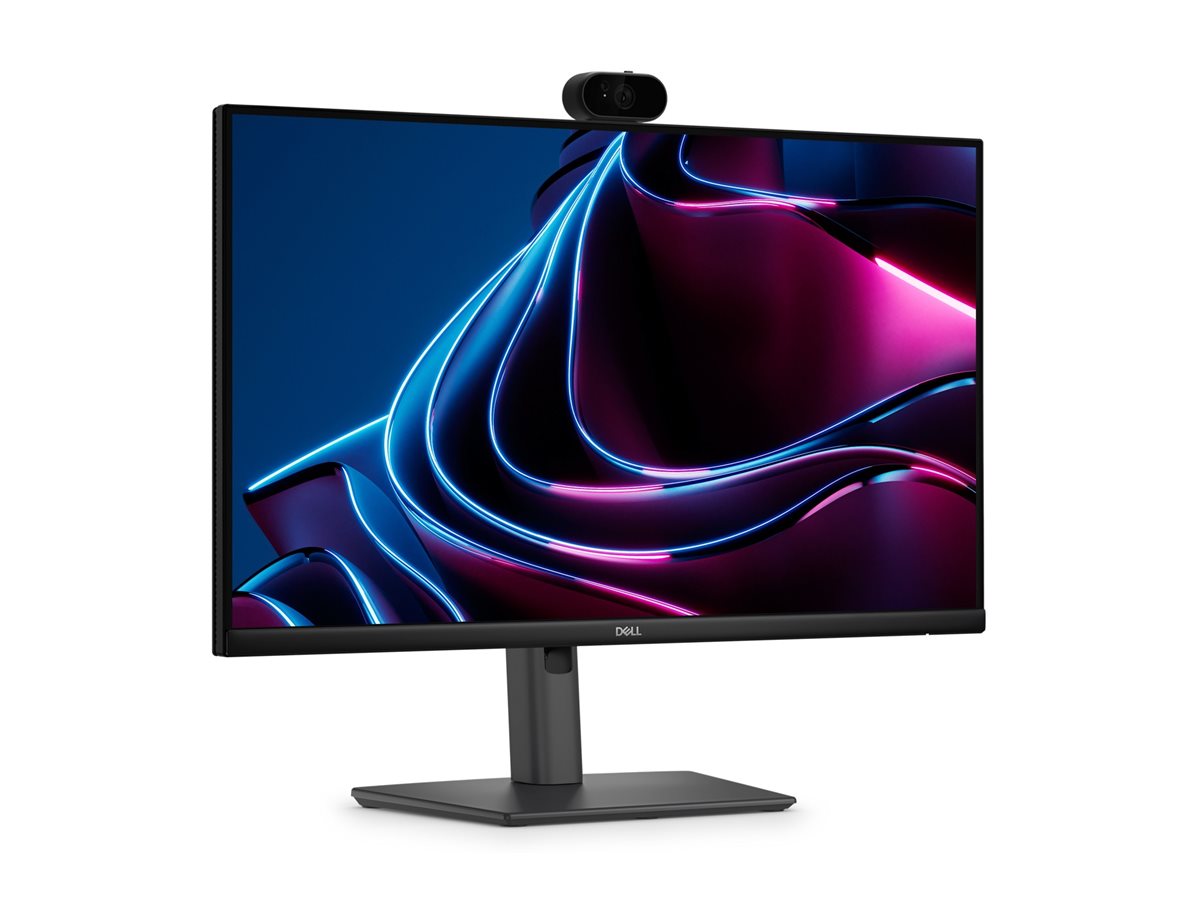
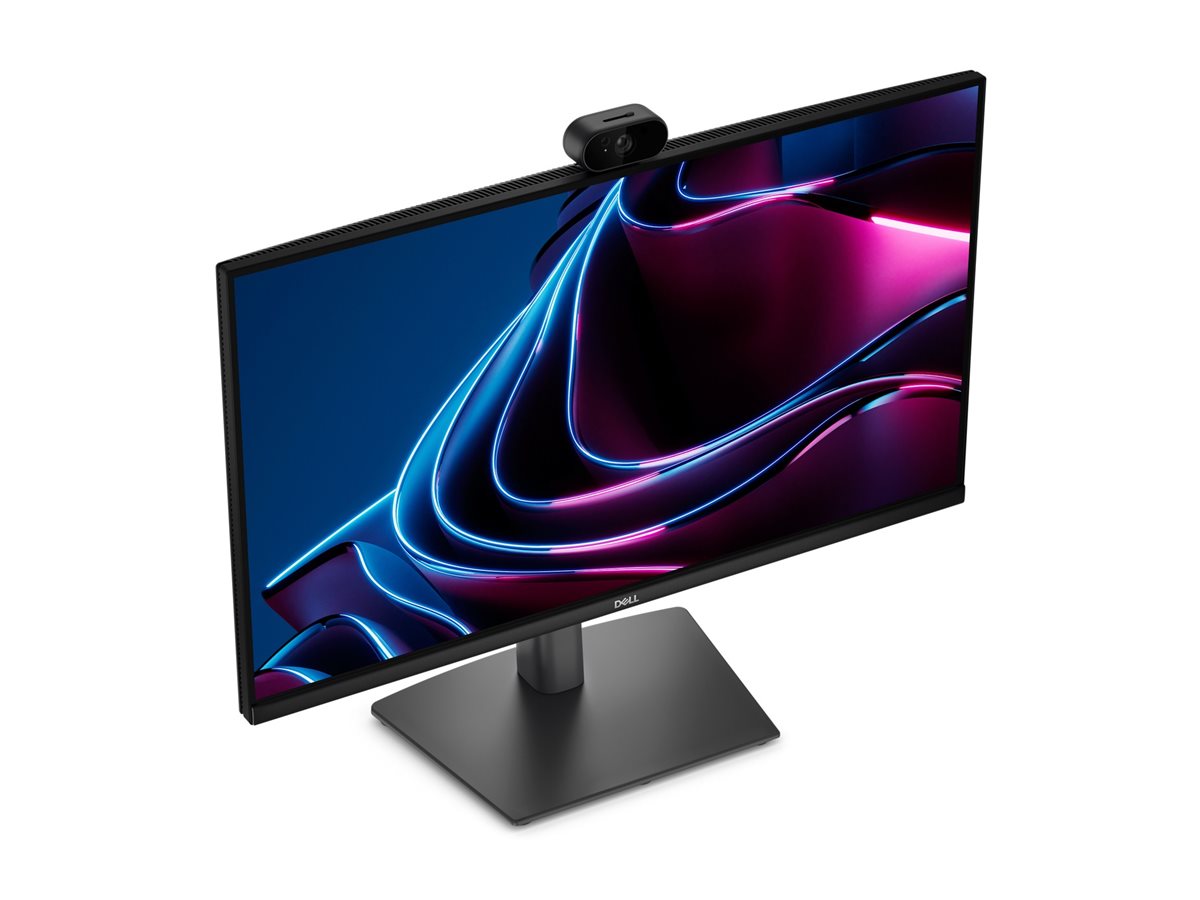
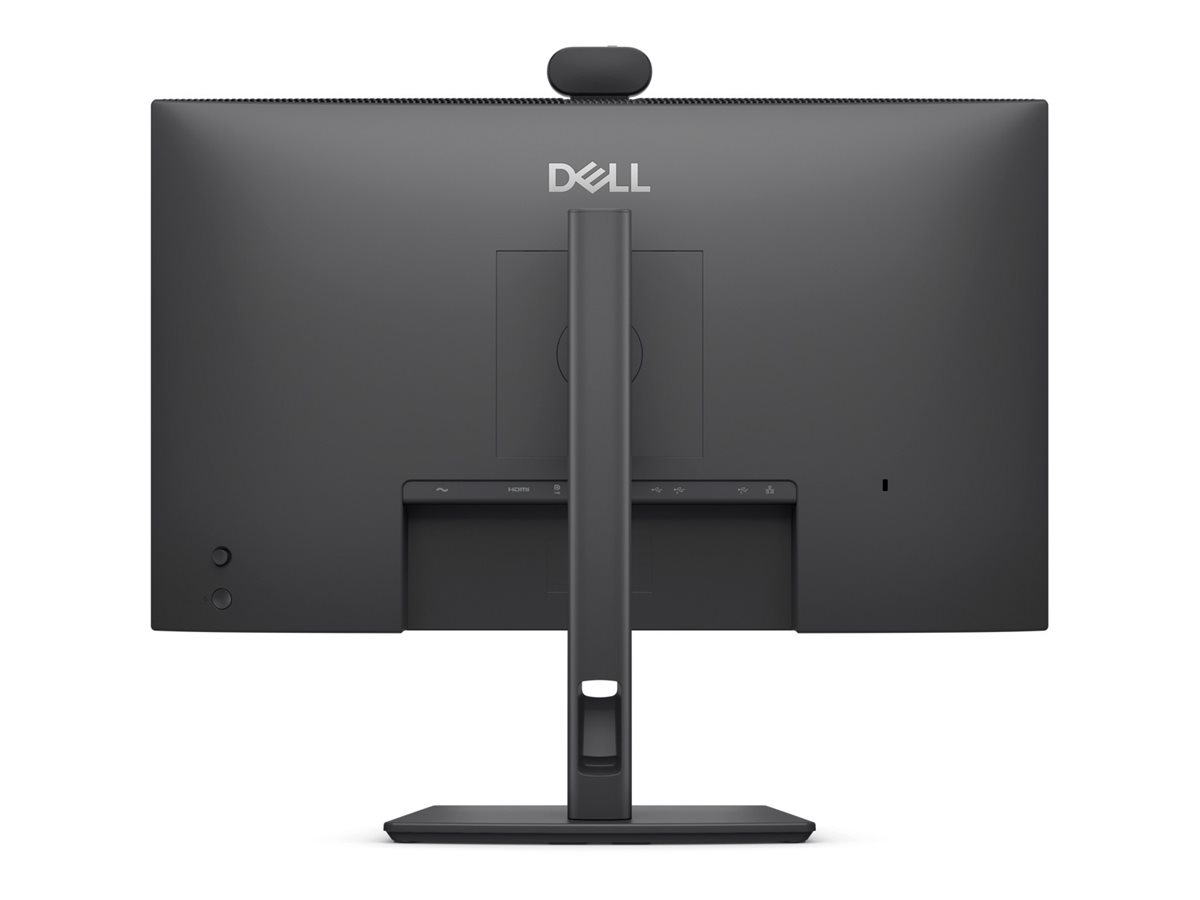
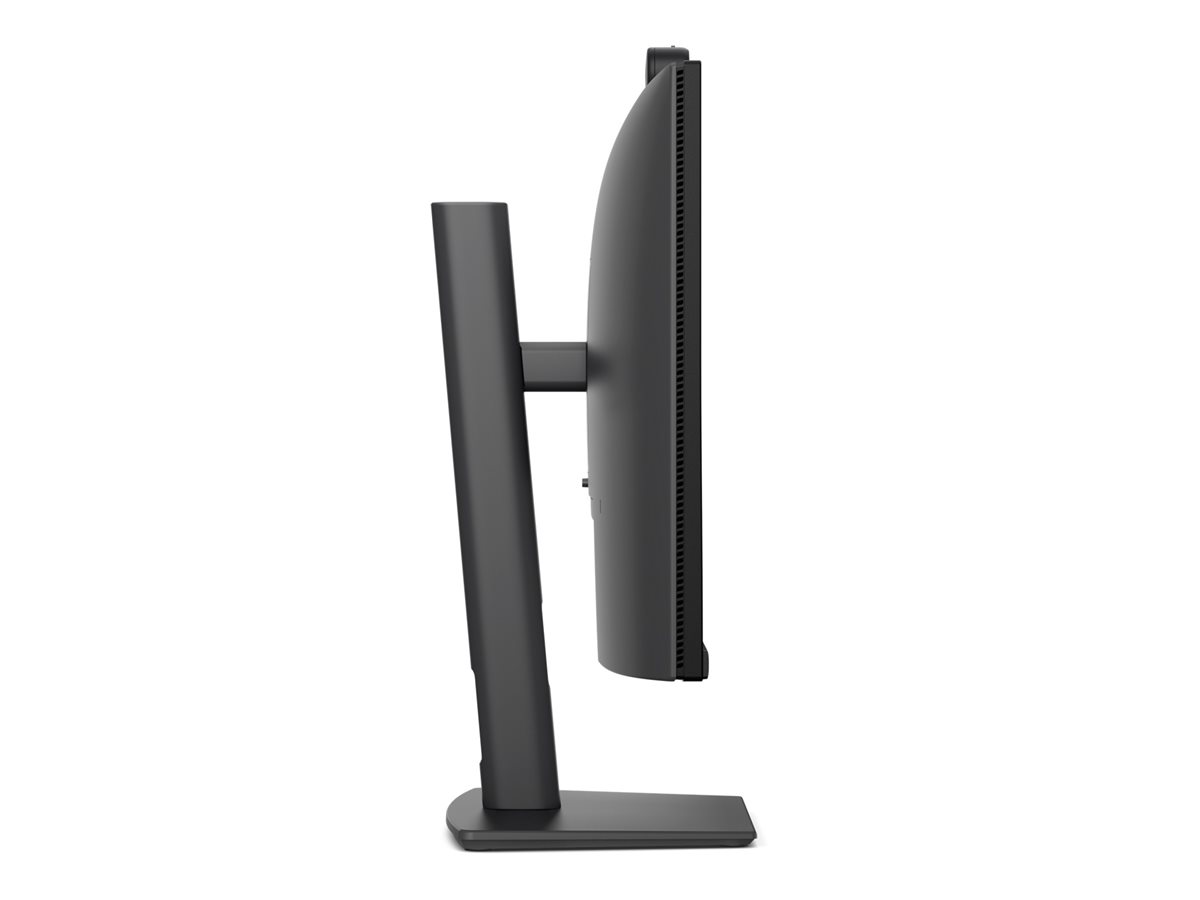
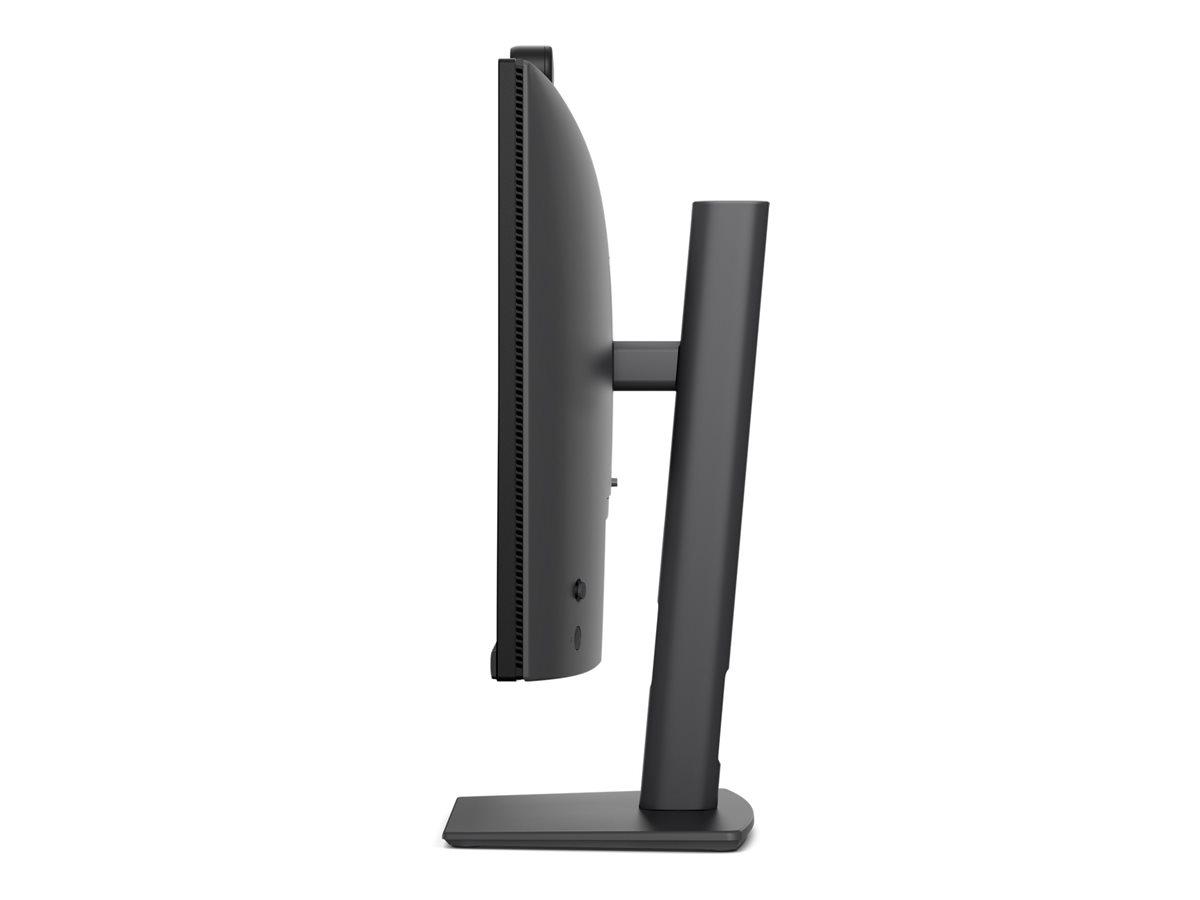
DELL Pro P P2426HEV 23.8" IPS 1920 x 1080 (Full HD) HDMI DisplayPort 120 Hz
Dell Pro P P2426HEV - LED-skærm - 24" (23.8" til at se) - 1920 x 1080 Full HD (1080p) @ 120 Hz - IPS - 300 cd/m² - 1500:1 - 5 ms - HDMI, DisplayPort, USB-C - sort - BTO - med 3-Year Advanced Exchange Service and Premium Panel Exchange
Dell Pro P P2426HEV-skærmen byder på et elegant design og pålidelig ydeevne, hvilket gør den til det perfekte valg til både arbejde og underholdning. Med et billedformat på 16:9 og Full HD-opløsning leverer denne LED-bagbelyste LCD-skærm levende farver og skarpe billeder. Uanset om du multitasker eller nyder medier, sikrer de vandrette og lodrette betragtningsvinkler på 178 grader et klart billede fra forskellige positioner i rummet.
-
Product no 1003965610
Model DELL-P2426HEV
Brand

Go to brand's websiteEAN 5397321028994
Weight 7.65 kg
-
Product information and specifications are guiding only. Without notice, these can be subject to change by the manufacturer. This applies for product images as well.
| Produktbeskrivelse | Dell Pro P P2426HEV - LED-skærm - Full HD (1080p) - 24" |
| Enhedstype | LED-baggrundsbelyst LCD-skærm - 24" |
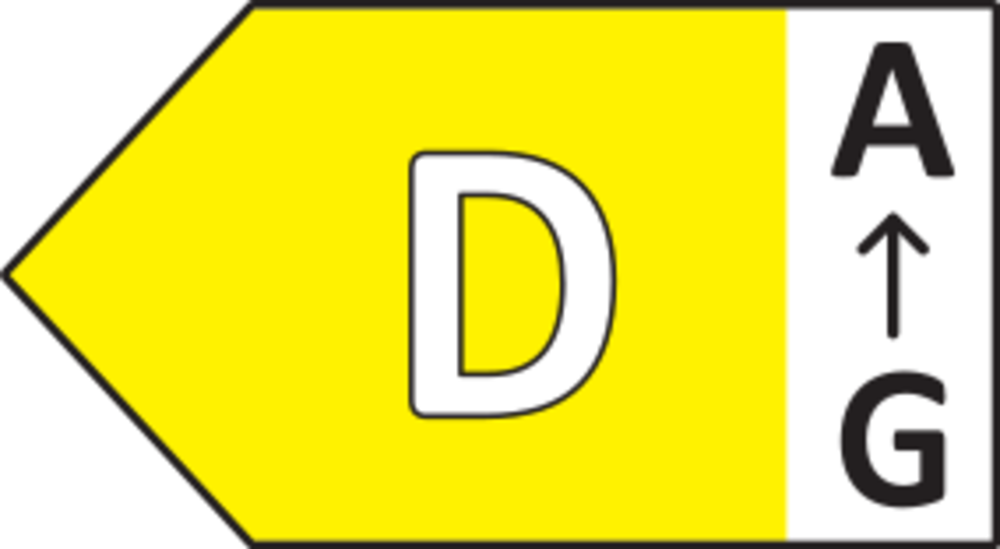
| Energimærke QR-kode URL | Https://eprel.ec.europa.eu/qr/2518512 |
| Energiklasse | Klasse D |
| Egenskaber | KVM switch, IR-kamera, USB-C hub, RGB-kamera, USB PD 90 watt |
| Paneltype | IPS |
| Formatforhold | 16:9 |
| Standard opløsning | Full HD (1080p) 1920 x 1080 ved 120 Hz |
| Pixel Pitch | 0.2745 mm |
| Lysstyrke | 300 cd/m² |
| Kontrastforhold | 1500:1 |
| Responstid | 5 ms (grå til grå hurtig), 8 ms (grå til grå normal) |
| Farve support | 16,7 millioner farver |
| Farvespektrum | 99% sRGB (CIE 1931) |
| Input-stik | HDMI, DisplayPort, USB-C |
| Indbygget Ethernet | Ja |
| Indbygget webcam | 4 Megapixel - 2560 x 1440 ved 30 fps |
| Justeringer til display-position | Højde, pivot (rotering), drejbar, tilt |
| Skærmbelægning | Blændfri, 3H Hard Coating |
| Spænding | AC 100-240 V (50/60 Hz) |
| Farve | Sort |
| Dimensioner (B x D x H) - med stander (højeste position) | 53.864 cm x 18.625 cm x 52.88 cm |
| Vægt | 5.36 kg |
| Pristype | BTO |
| Miljømæssige standarder | ENERGY STAR kvalificeret EPEAT Gold |
| Karbonfodaftryk | 178 kg karbonudledning |
| Overensstemmelsesstandarder | Plug and Play, RoHS, BFR-fri, PVC-free, Zoom-certificering, Microsoft Teams-certificeret |
| Servicepakker | 3-Year Advanced Exchange Service and Premium Panel Exchange |
Fantastisk billedkvalitet
Dell Pro P P2426HEV-skærmen er udstyret med TFT Active Matrix-teknologi, der forbedrer billedkvaliteten og leverer levende og skarpe billeder, som er afgørende for professionelt arbejde og underholdning.
Fleksibel tilslutning
Denne skærm er udstyret med HDMI- og DisplayPort-grænseflader, hvilket gør det nemt at tilslutte forskellige enheder og gør den alsidig til mange forskellige anvendelsesformål.
Ergonomisk design
Skærmen har en funktion til justering af hældningen, så brugerne kan ændre skærmens position for bedre komfort under længerevarende brug.
Miljøvenlig
Skærmen opfylder EPEAT-standarderne og er ENERGY STAR-certificeret, hvilket afspejler et engagement i energibesparelser og minimeret miljøpåvirkning.
Sikker og monterbar
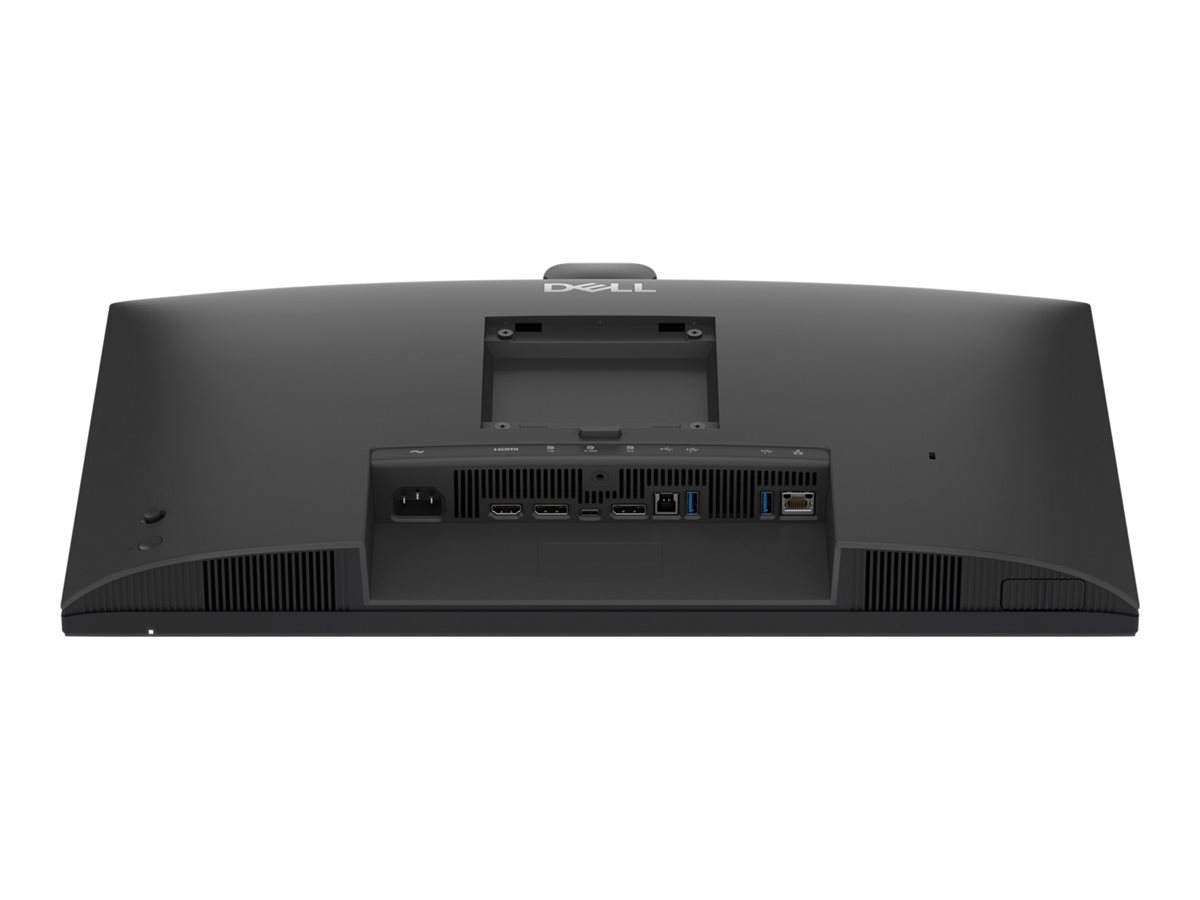
Dell Pro P P2426HEV har et Kensington-sikkerhedsslot for ekstra sikkerhed og understøtter VESA-grænsefladen, hvilket giver fleksibilitet i monteringsmulighederne.
.jpg)
.png)
.png)
.png)
.png)
.png)
.png)
.png)
.png)

3D / Augmented Reality


Diagonal Size
60.5 cm (23.8")Resolution / Refresh Rate
1920 x 1080 at 120 HzPanel Technology
In-plane Switching (IPS) Technology


Adjustability
SwivelPorts
1 HDMI port/s (HDCP 1.4) (Supports up to 1920 x 1080 as specified in HDMI 2.1 (TMDS))Cables
Power cableNext generation collaboration experience for open workspaces
.jpg)
.jpg)
.jpg) 0:23
0:23See every detail, even in low light
The Sony Starvis 5MP sensor ensures professional-grade video clarity, while the QHD camera with HDR delivers balanced exposure, so you always look your best during virtual meetings.Spotlight's on you
AI Auto Framing keeps you center-framed even as you move and shift, so the focus is always on you..jpg)
Effortless collaboration with secure access
Seamless platform compatibilityConnectivity meets productivity
Connect your accessories with a wide variety of ports and enhance efficiency via daisy chaining, all in a clutter-free setup..jpg)
.jpg)
.jpg)
.jpg)
Single-cable solution
Transmit video, data, Ethernet, and up to 90W power delivery all at once with USB-C.Pop-out quick access ports
Easily connect or charge devices with a USB-C (up to 15W charging) and a USB Type-A connection.Extensive connectivity
Connect all your accessories with ease using a wide variety of ports, including an RJ45 port for reliable Ethernet connectivity.Work seamlessly
Daisy chain multiple monitors for efficient multitasking. Works with devices on macOS®*
Tested with devices on macOS, this USB-C monitor is ready-to-work with Mac® devices. Requires USB-C or HDMI connectivity. Daisy chaining[1] multiple displays via a single cable requires Thunderbolt connectivity. Please check your device for compatibility, as select M-series chips may not support some features. Install Dell Display and Peripheral Manager application to customized advance settings.Enhanced eye comfort
TÜV 4-star certified monitor for eye comfort reduces eye fatigue while you work..jpg)
.jpg)
.jpg)
Reduces blue light
This monitor features hardware low blue light technology, reducing harmful blue light emissions to ≤35% for all day eye comfort without sacrificing color.Refresh rate
120Hz refresh rate delivers less flicker, more seamless scrolling and smoother motionVivid colors
Wide color coverage with up to 16.7m displayable colors and 99% sRGB ensures sharp and vivid visuals.Work in clear detail
.jpg)
Colour consistency
Consistent, vibrant colors across wide viewing angles enabled by In-Plane Switching (IPS) technology..jpg)
Exceptional contrast
1500:1 contrast ratio for deeper blacks and brighter whites.Designed for comfort
Adjustability to meet your preferences throughout the day..jpg)
.jpg)
.jpg)
.jpg)
Tilt
Adjustment from -5o / +21o.Swivel
Bi-directional adjustment up to 45o.Pivot
Bi-directional adjustment up to 90o.Height
Adjustability up to 150 mm.Dell Display and Peripheral Manager
Experience Dell’s singular, innovative application to optimise the performance of your entire Dell PC workspace[2]..jpg)
Environmentally forward thinking
Intentional design in every part
At the heart of our design is a commitment to sustainability. That's why our monitor helps reduce waste with a design made from recycled materials with up to 95% post-consumer recycled plastic, 100% recycled aluminum, 50% recycled steel, and 20% recycled glass[4].Environmental standards
This monitor is certified ENERGY STAR®, registered EPEAT Gold with Climate+ and carries the latest TCO Certification and is TCO Certified Edge, ensuring the use of safer materials, renewable energy use, and extended product life[5].Seamlessly modernise your tech
We can help you responsibly and securely retire your legacy IT equipment, regardless of brand, while addressing your sustainability goals.Packaging with purpose
This monitor ships in a box made from 100% recycled or renewable materials. We are reducing paper usage in monitors packaging, which is the equivalent to saving 790 trees annually[6].


Ports and slots
.jpg)
Rear view
1. Power connectorCables included
- Power cable
- DisplayPort-DisplayPort 1.4 cable - 1.80 m
- USB Type-A to Type-B 5Gbps cable - 1.80m
- USB-C to C 5Gbps 100 W cable - 1.80 m
Dimensions and weight
.jpg)
.jpg)
Peace of mind, guaranteed

A brand you can rely on
As the No. 1 monitor company worldwide[8], we take pride in our unyielding commitment to quality and the utmost customer satisfaction.http://www.dell.com/support/home/dk/da/dkbsdt1/?c=dk&l=da&s=bsd&~ck=mn
Teknisk support: 70 23 01 82
Bemærk: Enkelte produkter forekommer med tysk manual i stedet for Dansk.
RMA
For håndtering og oprettelse af Dell garantiKontakt Dell på 70 23 01 82
Har du dit service tag, så benyt formularen så bliver du videre sendt til den rigtige afdeling.
http://www.dell.com/support/incidents/dk/da/dkdhs1/Phone/Phonetagentry