

To gain full access to our webshop, find our entire product range and see our prices, you need to be logged in.
Log in to your account here or sign up as a customer here.
Log in to your account here or sign up as a customer here.
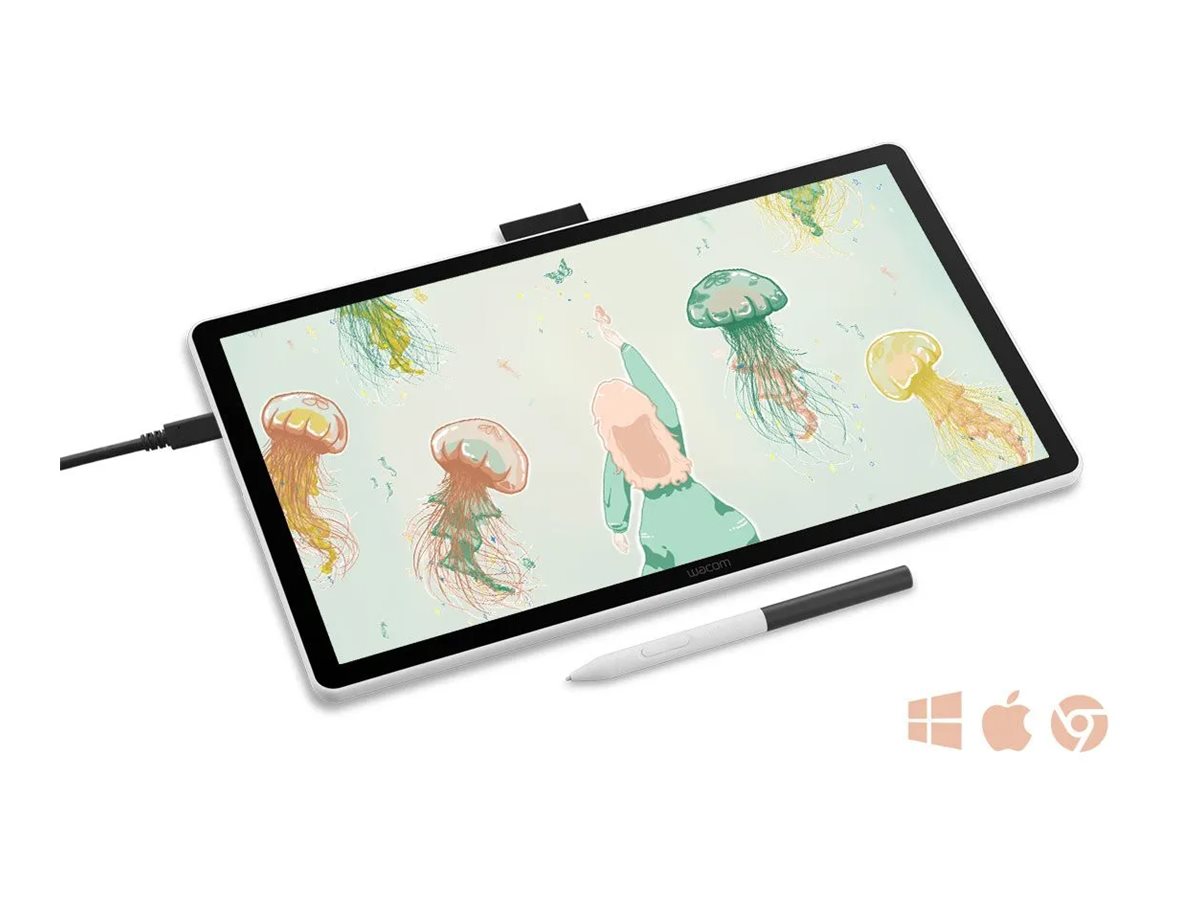
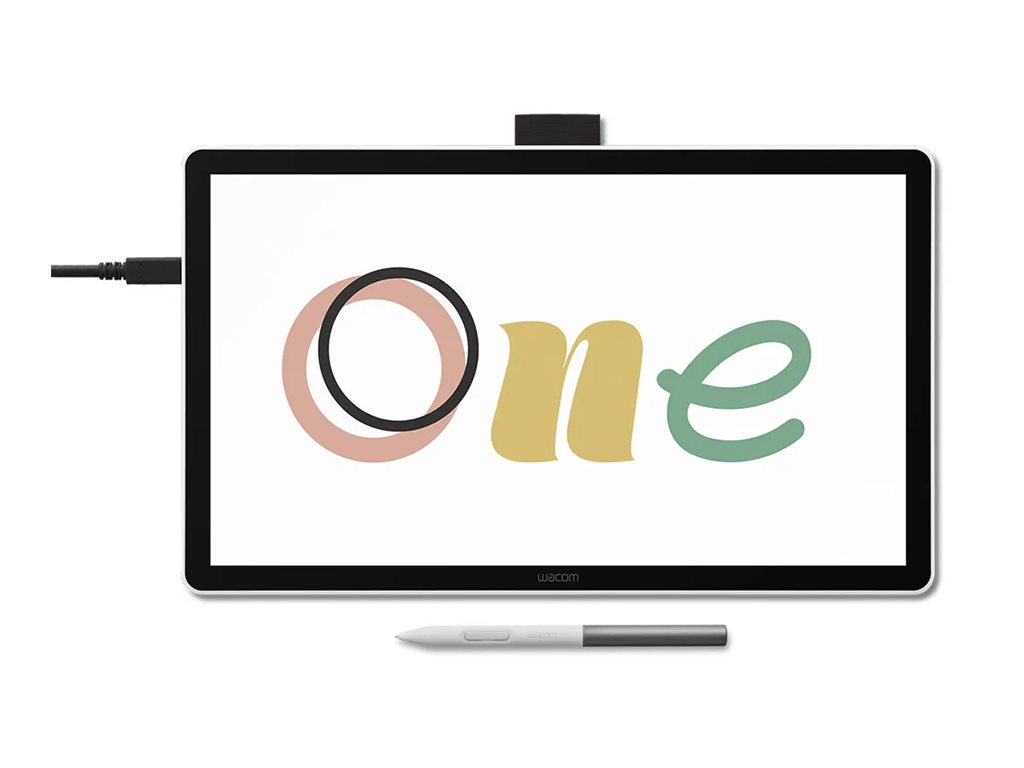
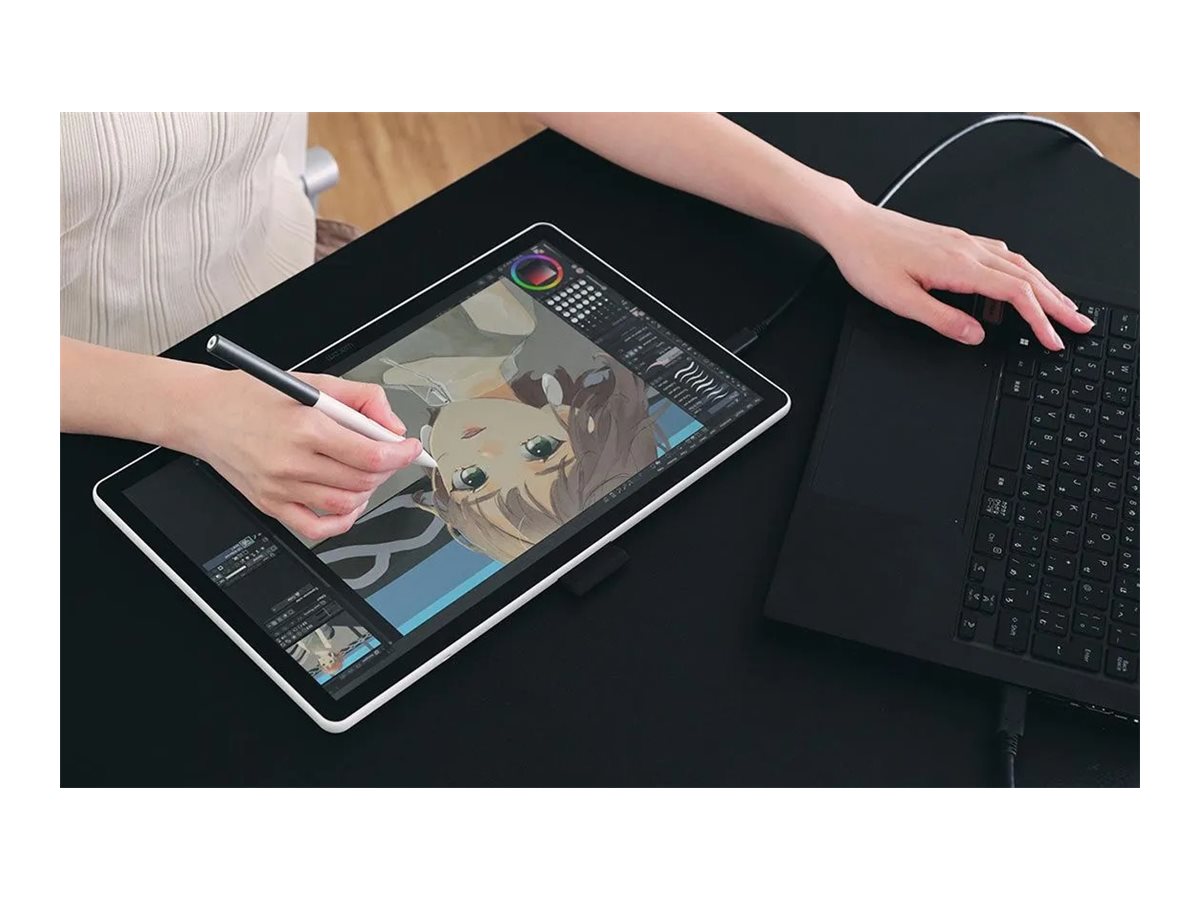
Wacom One 14 Hvid
Wacom One 14 - Digitizer m/ LCD-skærm - 30.9 x 17.4 cm - elektromagnetisk - kablet - USB-C
-
Product no 1003630469
Model DTC141W0
Brand Wacom Technology
EAN 4949268707817
Weight 1.33 kg
-
Product information and specifications are guiding only. Without notice, these can be subject to change by the manufacturer. This applies for product images as well.
| Produktbeskrivelse | Wacom One 14 - digitizer - USB-C |
| Enhedstype | Digitizer |
| Forbindelsesteknologi | Kablet - USB-C |
| Billedskærm | LCD-skærm - 14" - 1920 x 1080 |
| Dimensioner (B x D x H) | 33.6 cm x 20.1 cm x 1 cm |
| Vægt | 750 g |
| Teknologi i detektering af bevægelse | Elektromagnetisk |
| Egenskaber | IPS-skærm, trykfølsomhed |
| OS nødvendig | Apple MacOS 13 eller nyere, Google Chrome OS, Windows 10 eller senere |
| Producentgaranti | 1 års garanti |
Where your creative dreams begin
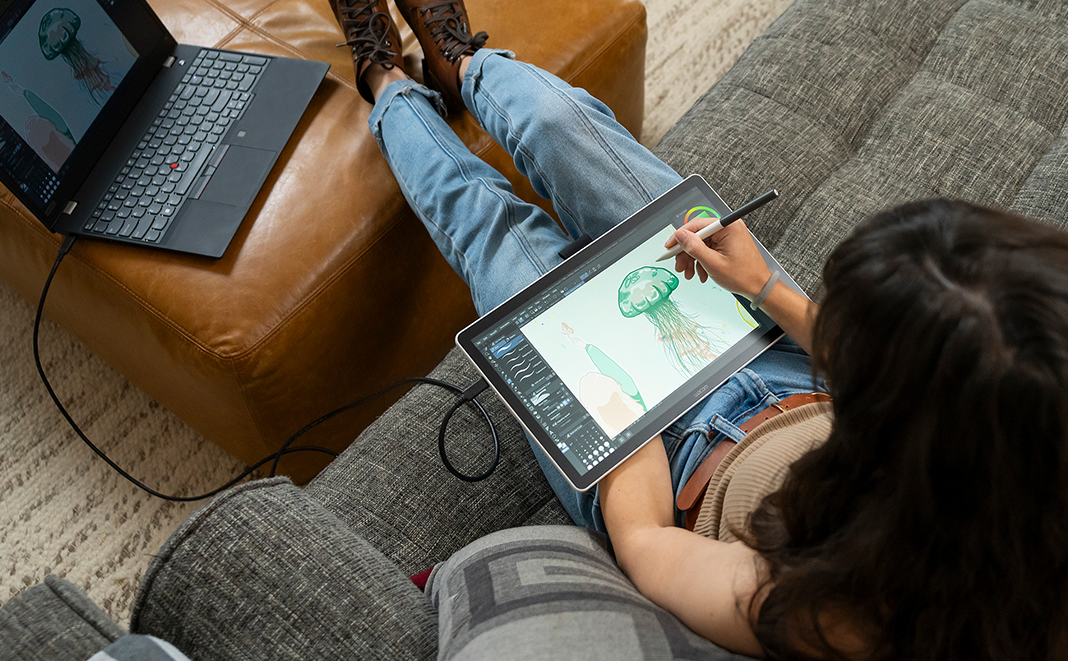
Start your digital adventure with the all-new Wacom One. Ideal for casual artists and visual thinkers, this drawing tablet with screen makes it easy to draw, sketch, edit photos, annotate, and discover your creative passion..jpg)
.jpg)
.jpg)
Big Canvas, Compact Design
The 14" widescreen gives you a bigger canvas without hogging desk space. FHD resolution delivers crisp visuals perfect for detailed linework. Thin bezels maximize your drawing area while keeping the footprint compact - ideal whether you're at your desk, kitchen table, or anywhere inspiration strikes.Proven Pen Technology
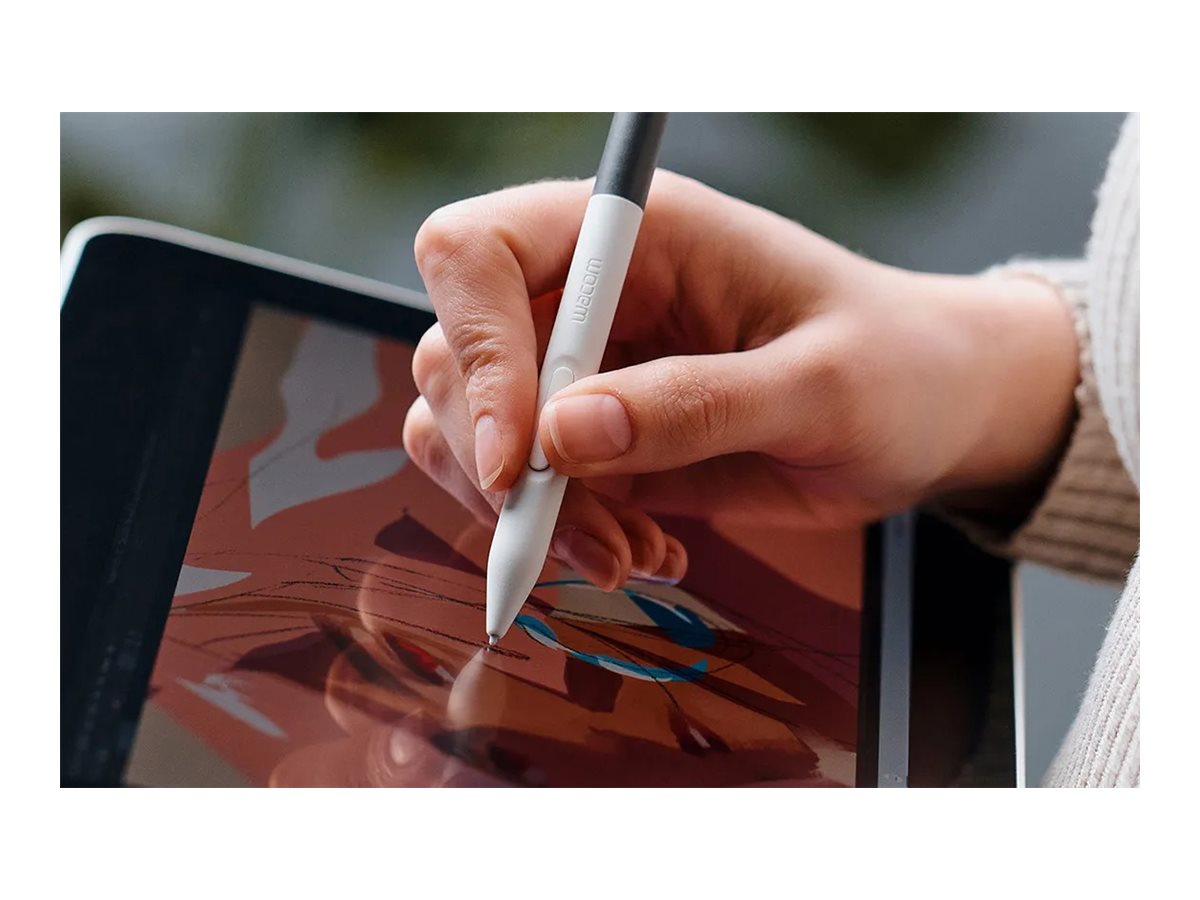
The Wacom One pen features Wacom's leading pen technology in an easy-to-use battery-free format. It's lightweight and comfortable to grip for extended drawing sessions and never needs charging. Whether you're sketching lightly or applying bold strokes, it delivers consistent, responsive performance.See Every Color Detail
Colors stay true whether you're working on your art, sharing it online, or printing it out. The factory-calibrated 98% sRGB display with 8-bit color depth shows millions of subtle color variations for smooth gradients and natural skin tones.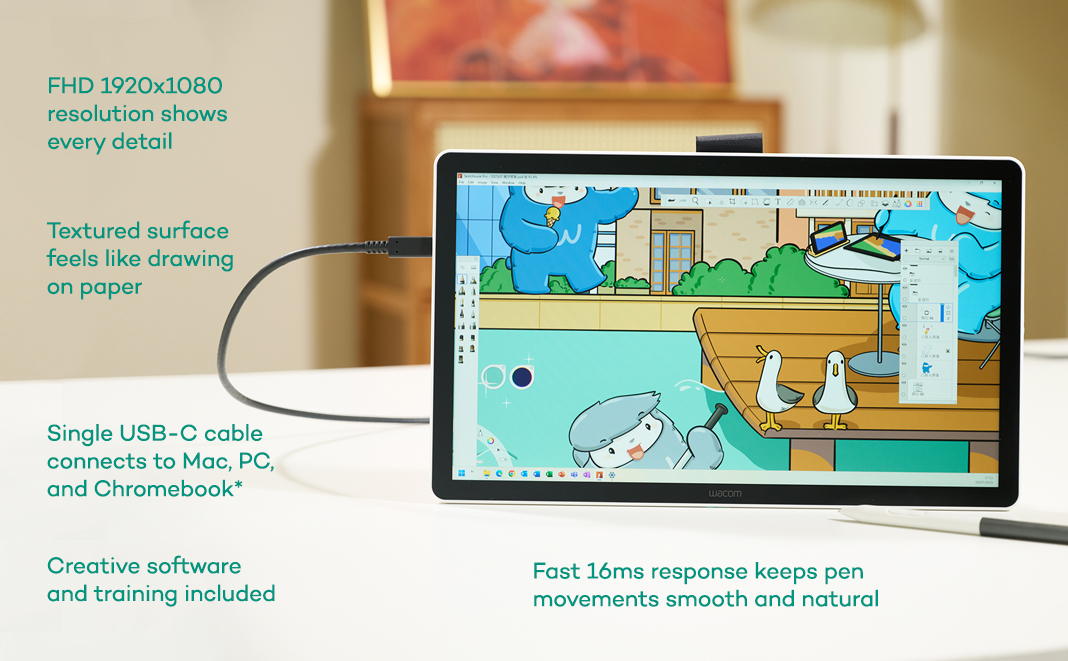
.jpg)

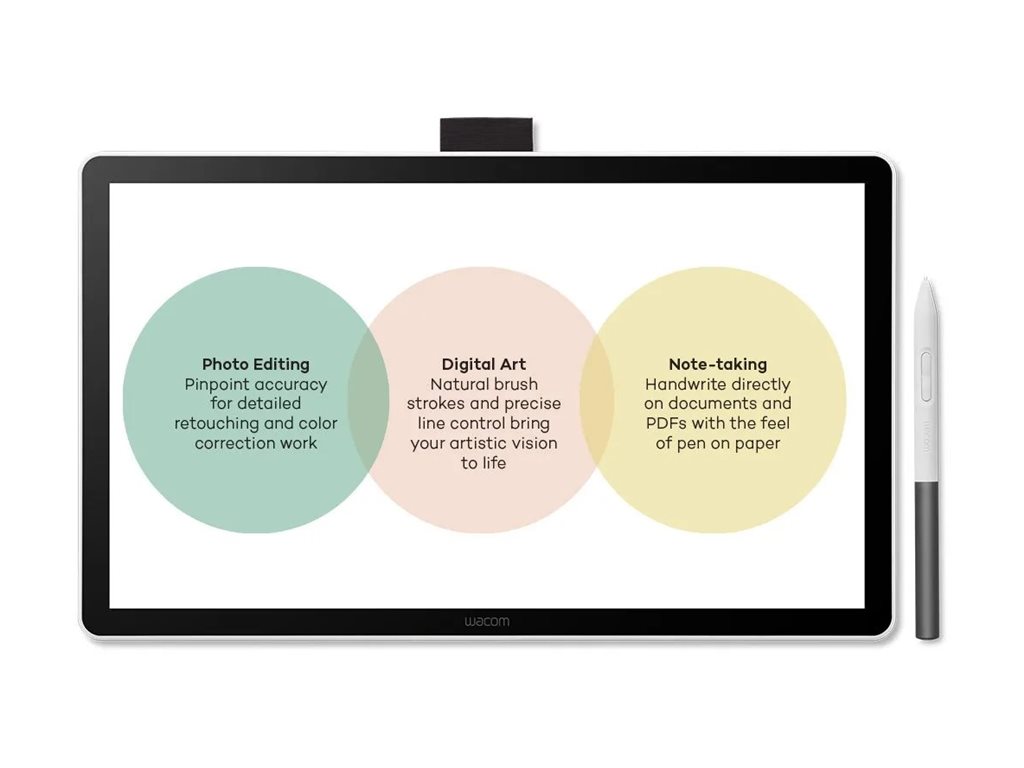
Drawing/Sketching
That sketch you started in your notebook? Now you can take it further without starting over. Your pen becomes whatever you need - pencil for rough sketches, paintbrush for bold strokes and a button for undo, right-click or your favorite shortcut. The 16ms response time means your strokes appear instantly with no lag between your hand and screen.Design Your World
Whether you're designing a logo or creating something for school, precise pen control makes design easier. Smooth curves, and accurate colors help your ideas look polished, while the programmable button gives you access to your favorite shortcut key.Photo Editing & Enhancements
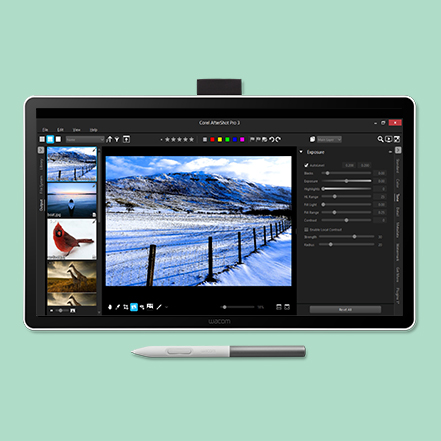
Edit photos with the precision a pen, instead of wrestling with a mouse. Make exact selections for perfect cropping, smooth out skin imperfections, or add artistic touches that make your images stand out. The pressure-sensitive pen gives you control that feels natural, like working with real art tools.Annotation, Markup and Engaging Lessons
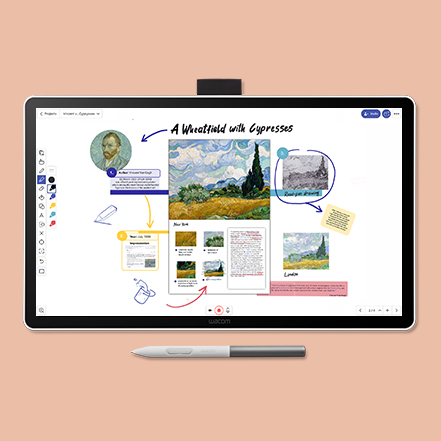
The pen-on-paper feel makes it easy to capture ideas, create mind maps, and annotate PDFs naturally. Great for teachers creating engaging lessons or anyone who thinks visually. Turn boring documents into interactive, personalized content that actually gets attention..jpg)
Single Cable Connectivity
Wacom One connects to Windows, Mac, or Chromebook devices with a single USB-C cable thatcarries power, video, and pen data, keeping your workspace clean. To use this setup, yourcomputer must have a USB-C port with Thunderbolt 3 or newer or DisplayPort Alt Mode. If yourcomputer doesn’t have one of these ports, you’ll need to connect separate cables for power,video, and pen data, and then use the Wacom Converter (ACK45219Z) to merge them into asingle USB-C connection to the display. To help reduce e-waste, Wacom includes the mostcommonly supported USB-C cable in the box, so most modern computers can connect right awaywithout the need for extra adapters or cables.