USB hubs and related solutions for professional users
At DCS ApS, you will find a wide selection of USB hubs and related solutions that make it possible to extend and adapt connectivity options in both simple and advanced setups. Many modern laptops and workstations have fewer USB ports than before, and therefore the need for hubs, switches and extenders is still increasing. USB hubs are used in everything from office environments and administrative tasks to technical service, POS installations, AV solutions and IT support. As a reseller, you can therefore offer flexible options that match many different types of end users.
What is a USB hub used for?
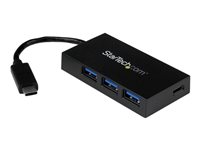
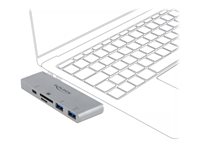
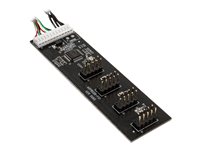
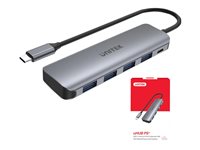
A USB hub functions as an extension of an existing USB port and makes it possible to connect several devices to the same computer. One port on the computer is distributed to multiple outputs, allowing you to connect equipment such as:
- Mouse and keyboard
- Headset, microphone or webcam
- External hard drives and SSDs
- Dongles for wireless devices
- Barcode scanners, card readers and POS equipment
- Cameras and technical service equipment
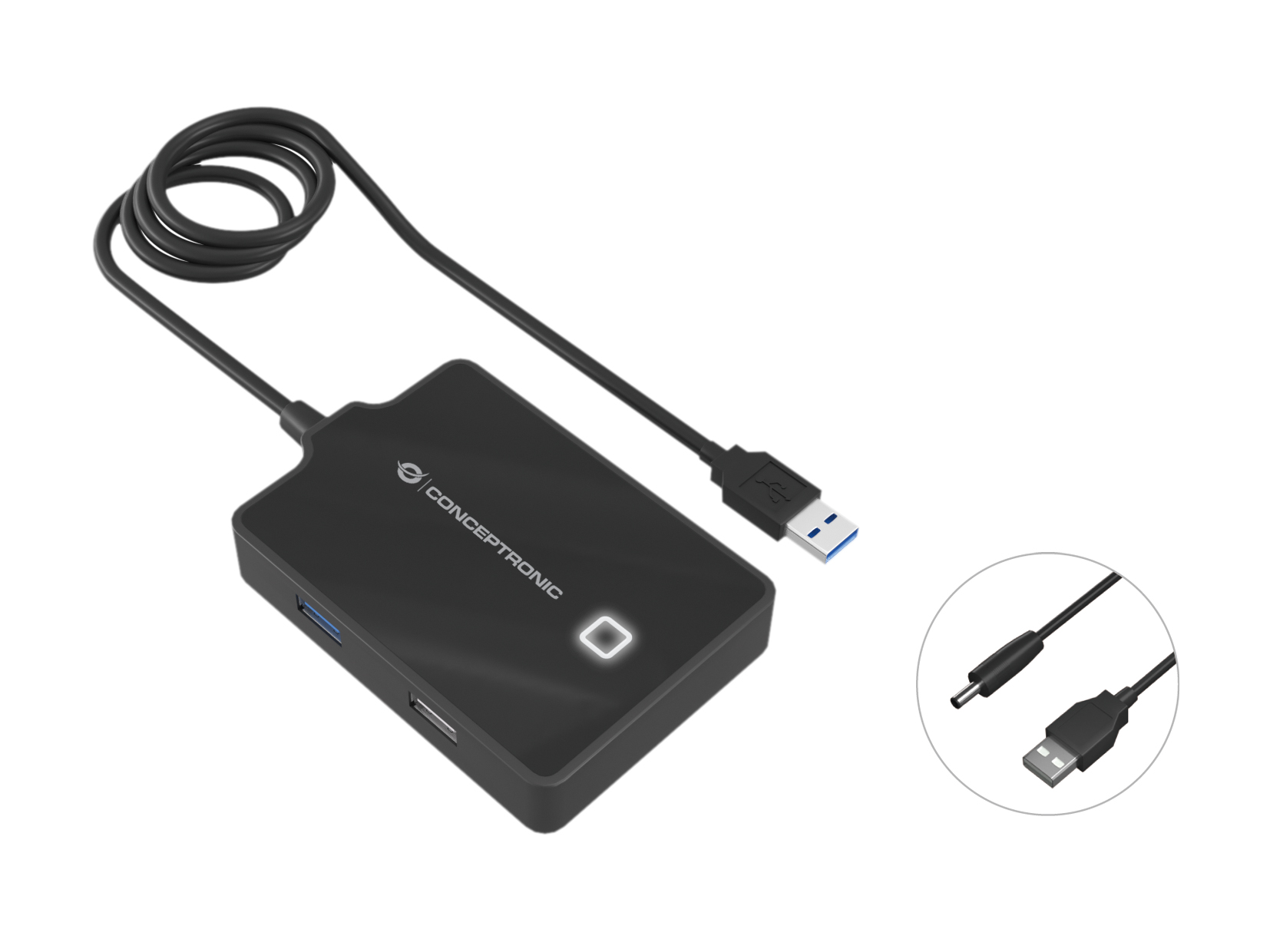
USB hubs are therefore used in both private and professional contexts, but especially in environments where multiple devices need to be used at the same time, or where a computer has a limited number of ports. There are both bus-powered hubs, which draw power directly from the USB port, and self-powered hubs, which have an external power supply for more demanding equipment.
USB hubs by number of ports
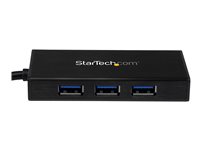
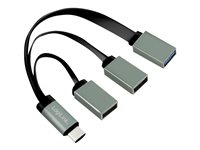
USB hubs with 2–3 ports
Hubs with 2–3 ports are typically used by customers who only need a few extra connections. This could be a laptop with few USB ports or a simple setup where mouse, keyboard and possibly one additional device need to be connected.
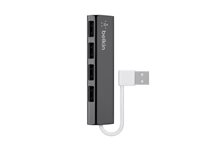
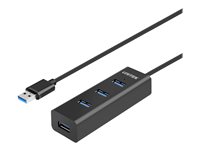
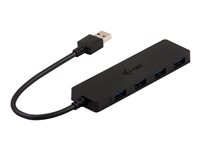
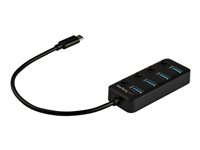
USB hubs with 4–5 ports
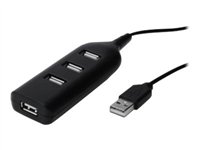
USB hubs with 4–5 ports are a good choice for workplaces where several devices are used regularly at the same time. There is room for both permanently connected peripherals and temporary connections such as external drives or service equipment.
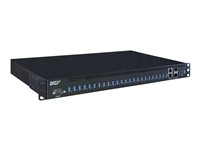
USB hubs with 6 ports and above
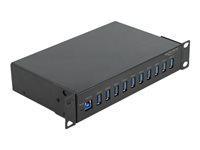
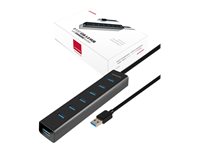
Hubs with six or more ports are used in setups where many devices are connected continuously — for example in technical departments, test setups, service workshops or workstations with a lot of peripheral equipment. For these models, external power is often recommended to ensure stable operation.
Hub, switch or splitter – what is the difference?
USB hub: Expands one USB port into several outputs and is used to connect multiple devices to the same computer.
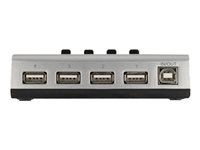
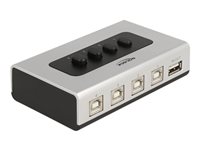
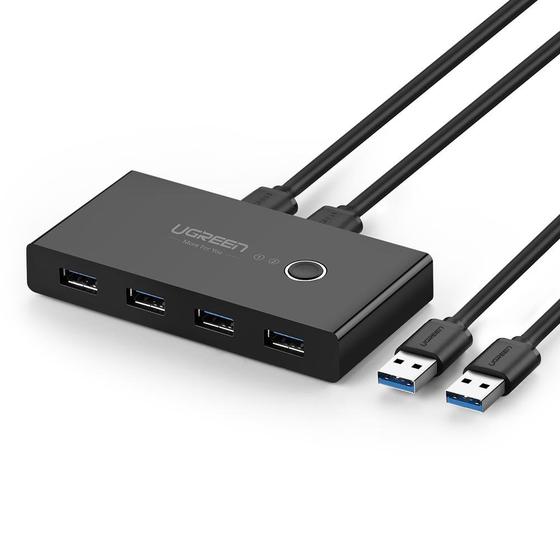
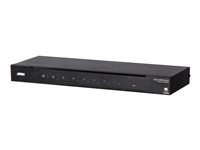
USB switch: Shares USB equipment between two or more computers. Used where keyboard, mouse or other equipment needs to be switched between multiple machines.
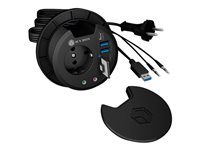
USB splitter: A simpler solution that can distribute a signal, but does not offer the same functionality as a full hub. Primarily used in basic setups.
USB extenders with RJ45
We also offer USB extenders where the signal is carried over a network cable (RJ45). This solution is used in setups where equipment and computer are located farther apart than a standard USB cable can reach. USB-over-RJ45 is typically used in:
- AV installations
- Meeting rooms
- Rack-to-PC setups
- Touchscreen installations
The technology makes it possible to run USB signals over longer distances without the need for special cables, as standard Cat5e/Cat6 cables can be used.
A complete selection for professional customers
As a B2B customer at DCS ApS, you gain access to an assortment that makes it easy to put together solutions matching both simple and more advanced installation requirements. Whether your customers work in office, service, retail or AV environments, you can offer USB hubs, switches, splitters and USB extenders that cover the most common needs.