EN   DA   SV
To gain full access to our webshop, find our entire product range and see our prices, you need to be logged in.
Log in to your account here or sign up as a customer here.
Energy Label

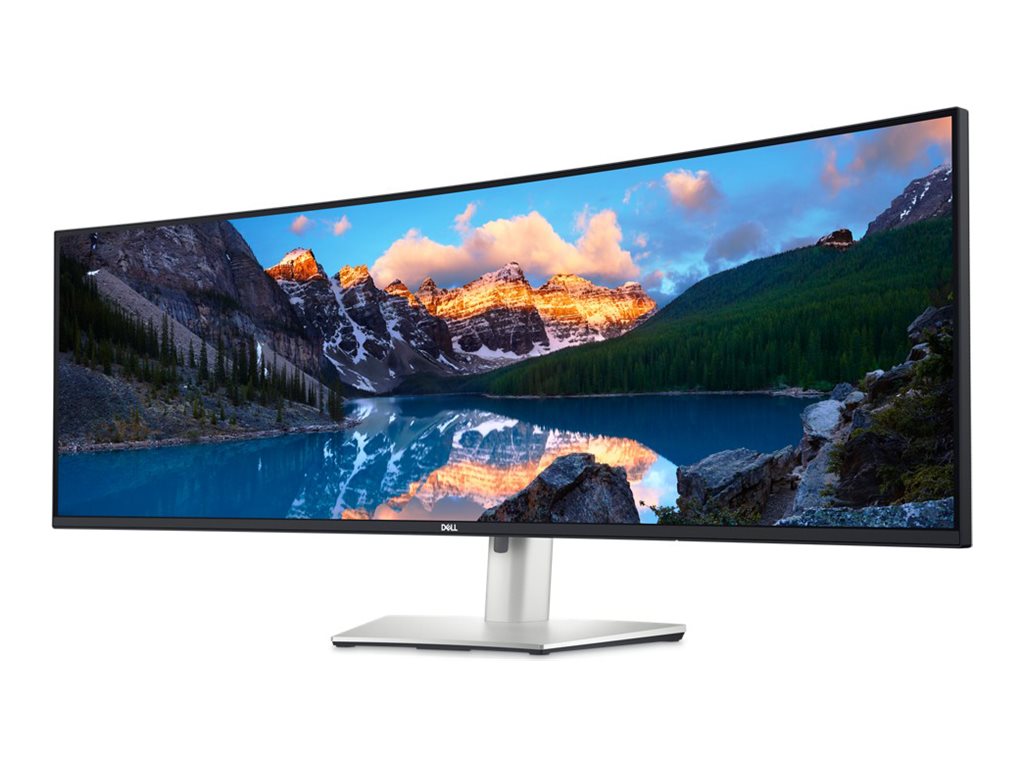
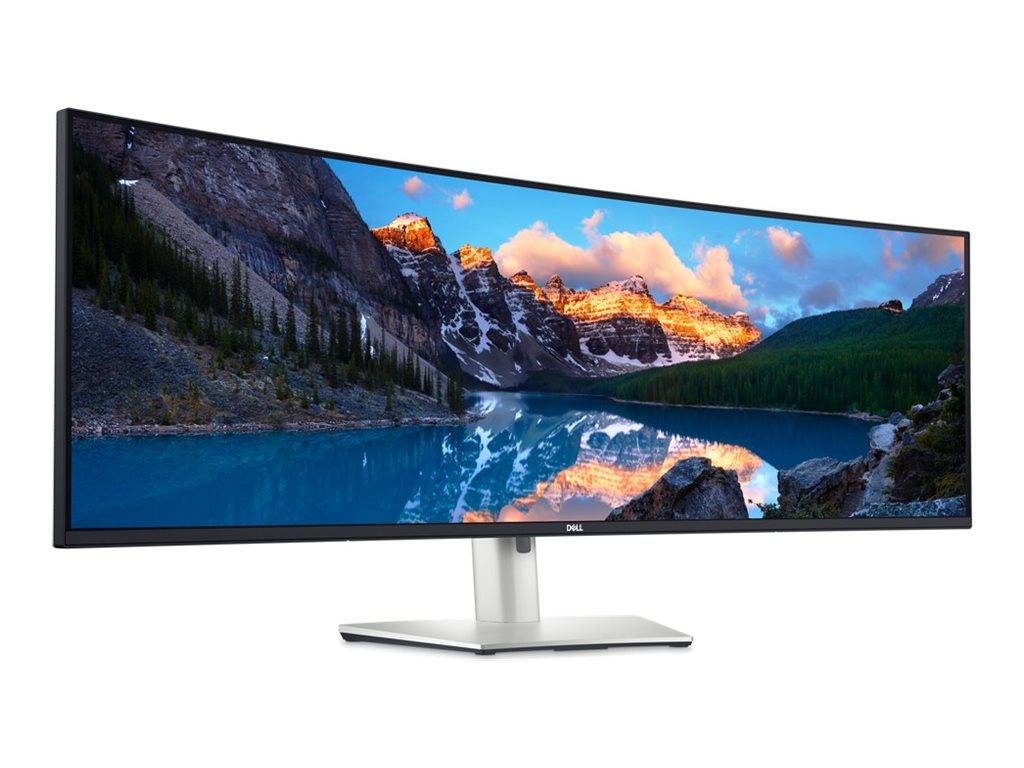
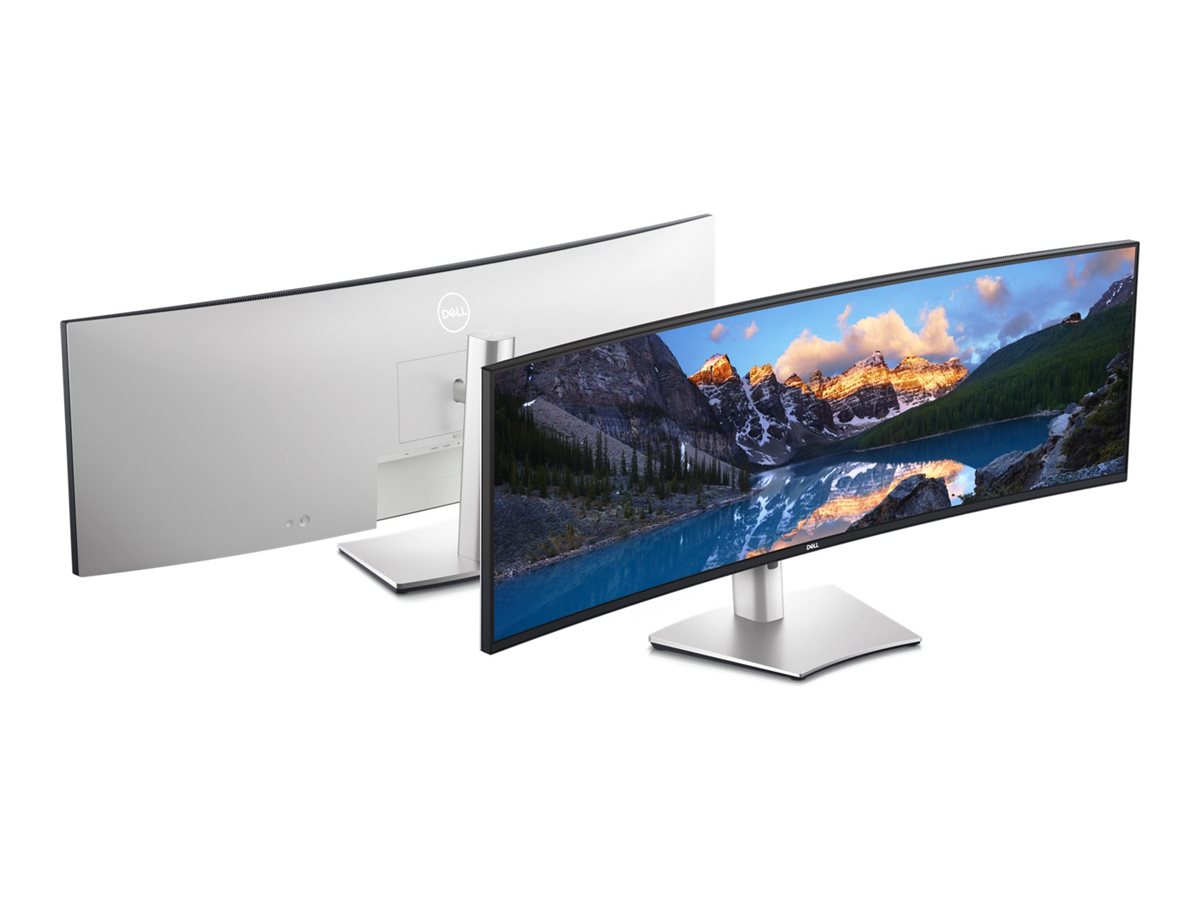
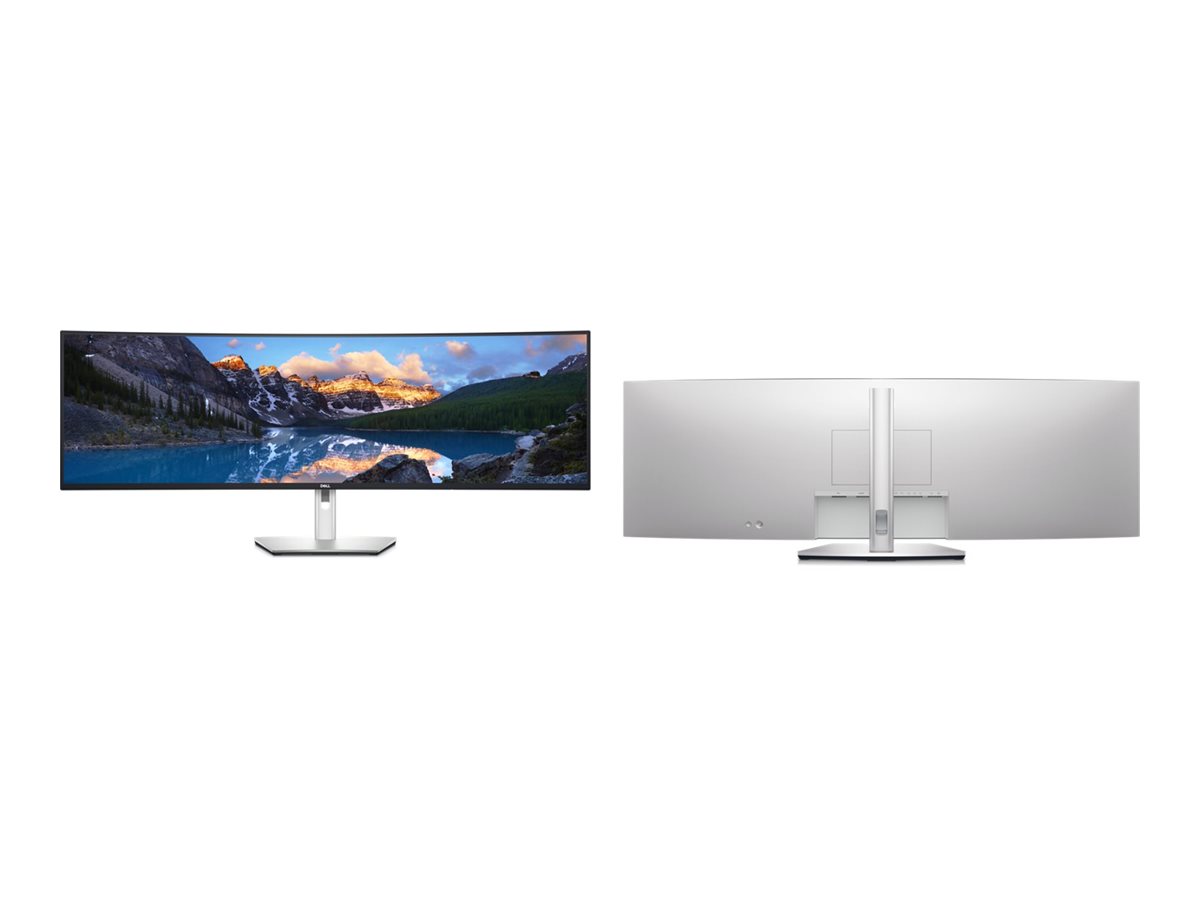
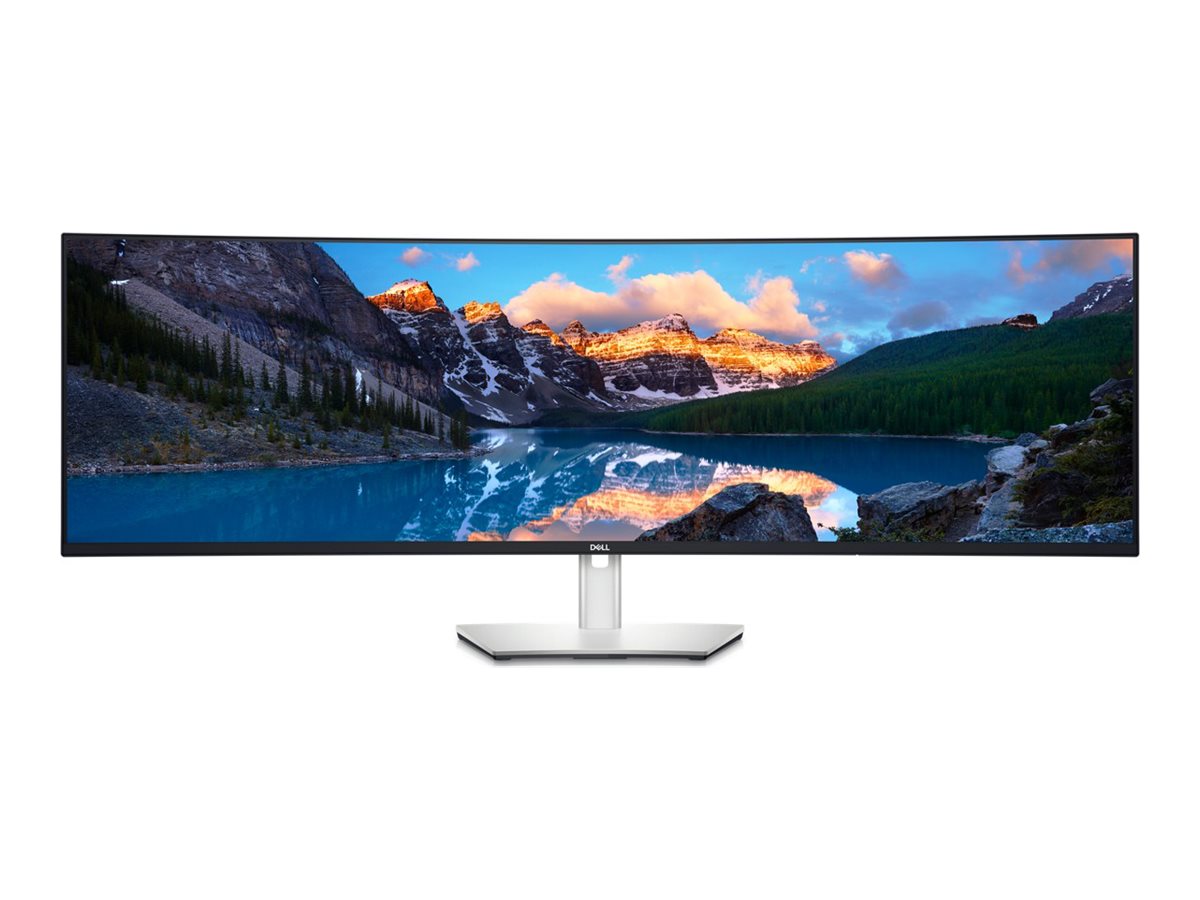
Dell UltraSharp U4924DW 49" IPS Black 5120 x 1440 (UltraWide) HDMI DisplayPort USB-C 60Hz

Dell UltraSharp U4924DW - LED-skærm - kurvet - 49" - 5120 x 1440 5K Dual QHD @ 60 Hz - IPS Black - 350 cd/m² - 2000:1 - 5 ms - 2xHDMI, DisplayPort, USB-C - højtalere - med 3 years Basic Hardware Service with Advanced Exchange

En revolutionerende 49" buet skærm med dobbelt QHD-opløsning i ultrabredformat, multitasking-funktioner og problemfri tilslutning for en medrivende arbejdsoplevelse.

  • Product no 1001357490

    Model U4924DW

    Brand

    Go to brand's website

    EAN 5397184657133

    Weight 27.7 kg

  • Product information and specifications are guiding only. Without notice, these can be subject to change by the manufacturer. This applies for product images as well.
Produktbeskrivelse Dell UltraSharp U4924DW - LED-skærm - kurvet - 49"
Enhedstype LED-baggrundsbelyst LCD-skærm - 49"
Energimærke QR-kode URL Https://eprel.ec.europa.eu/qr/1367150
Energiklasse Klasse G
Strømforbrug (Til-modus) 45 W
Kurvet skærm Ja
Egenskaber USB-C hub
Paneltype IPS Black
Formatforhold 32:9
Standard opløsning 5K Dual QHD 5120 x 1440 ved 60 Hz
Pixel Pitch 0.2324 mm
Lysstyrke 350 cd/m²
Kontrastforhold 2000:1 / 2000:1 (dynamisk)
Responstid 5 ms (grå til grå hurtig), 8 ms (grå til grå normal)
Farve support 1,07 milliarder farver
Farvespektrum 100% Rec 709, 100% sRGB, 98% DCI-P3, 98% P3
Input-stik 2xHDMI, DisplayPort, USB-C
Indbygget Ethernet Ja
Justeringer til display-position Højde, pivot (rotering), drejbar, tilt
Skærmbelægning Blændfri, 3H Hard Coating
Spænding AC 100-240 V (50/60 Hz)
Dimensioner (B x D x H) - med stander (laveste position) 121 cm x 26.9 cm x 40.1 cm
Vægt 16.3 kg
Miljømæssige standarder TCO Certified Edge Displays, TCO Certified Displays 9, TCO Certificeret, generation 10, til skærme, ENERGY STAR kvalificeret EPEAT Gold
Karbonfodaftryk 1140 kg karbonudledning
Overensstemmelsesstandarder RoHS, BFR-fri, PVC-free
Producentgaranti 3 års garanti
Servicepakker 3 years Basic Hardware Service with Advanced Exchange

Effektivitet på et andet niveau

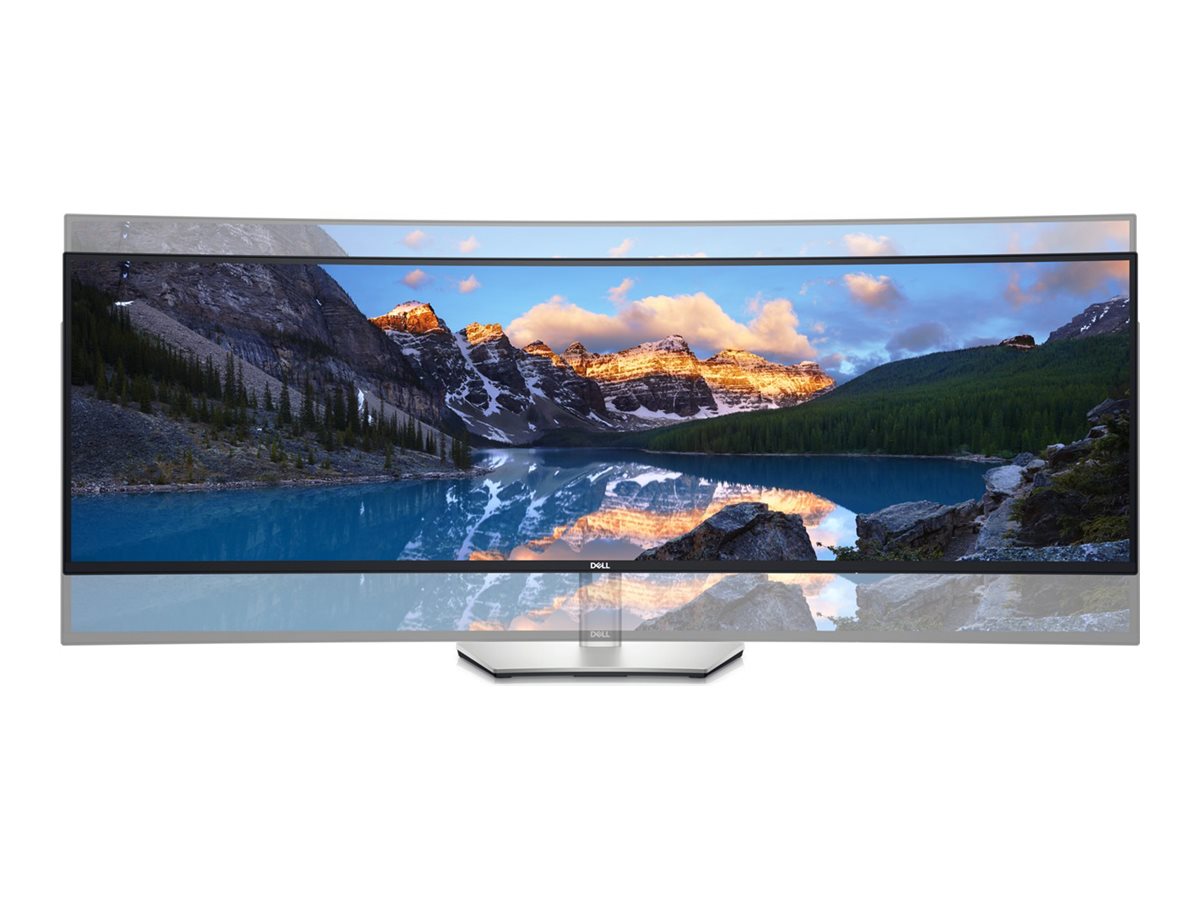
Sæt skub i produktiviteten med verdens første skærm med dobbelt QHD-opløsning. Den store skærm med IPS-teknologi (In-Plane Switching) svarer til to QHD-skærme på hver 27", men du slipper for en ramme mellem skærmbillederne og får et ultrabredt synsfelt.

Dobbelt så meget skærm

Se indhold fra to forskellige pc-kilder med PbP (Picture-by-Picture). PbP opdeler skærmen i to sider, så det svarer til at bruge 2 skærme, men uden distraherende rammer.

Ét tastatur til det hele

Du kan nemt skifte mellem to pc'er med KVM-funktionen (tastatur, video og mus). Du skal bare tilslutte de to pc'er til hver sin indgang, så kan du styre dem begge via KVM.

Mere skærm, færre distraktioner

Hold dig organiseret, og hold styr på opgaverne med Easy Arrange - en af de mange funktioner, du finder i Dell Display Manager-softwaren. Du kan nemt inddele skærmen i felter og få vist programmer side om side, så de altid er placeret lige der, hvor du har brug for dem. Funktionen til automatisk gendannelse sikrer, at dine programmer bevarer samme layout - også hvis du har fjernet tilslutningen af skærmen.

Mere end blot et imponerende billede

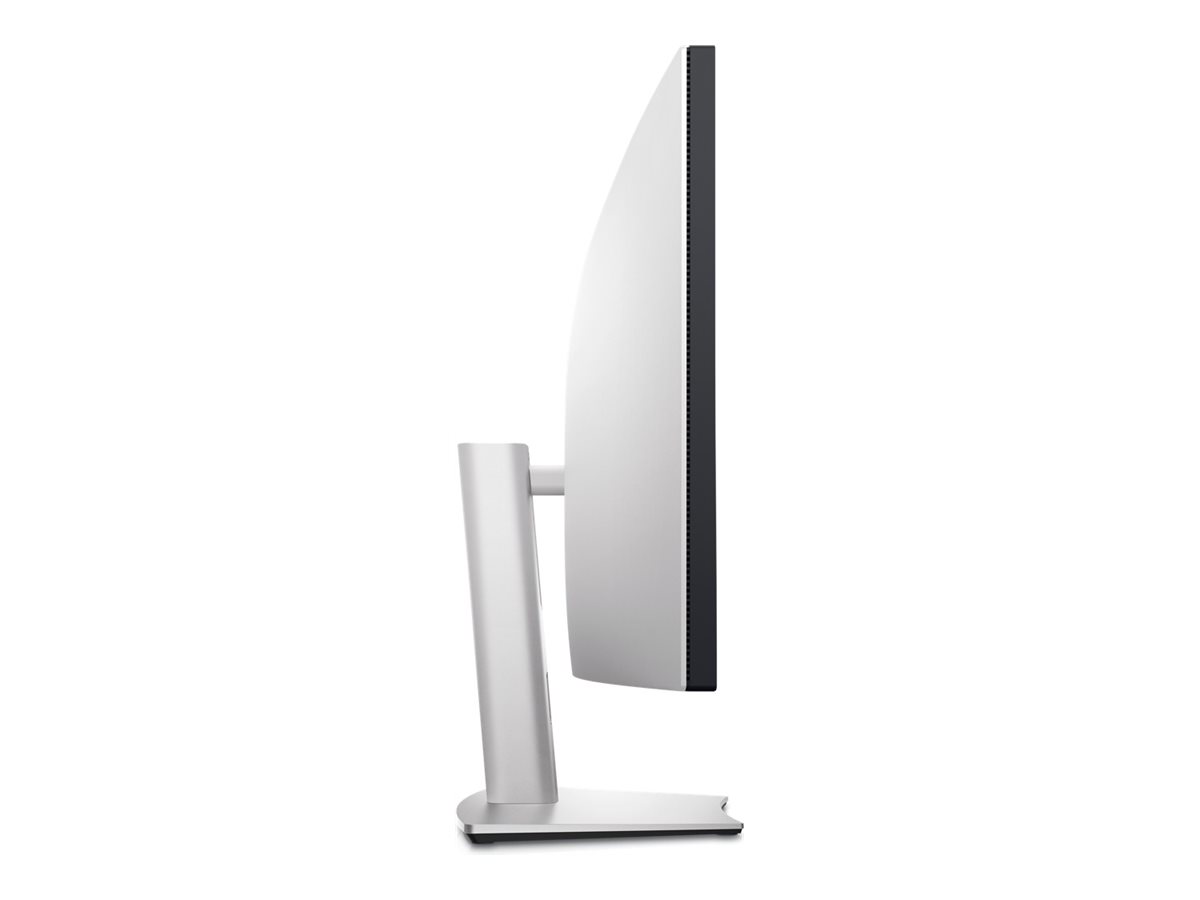
Uovertruffent skærmbillede: med formatforholdet på 32:9 får du en skærm i panoramaformat. 3800R-krumningen leverer en ens fokaldistance over hele skærmen, så du ikke overanstrenger dine øjne.

Klar, når du er

Forvent nøjagtige farver lige fra starten med 99 % sRGB-fabrikskalibrering med Delta-E på mindre end 2.

Du styrer din arbejdsdag

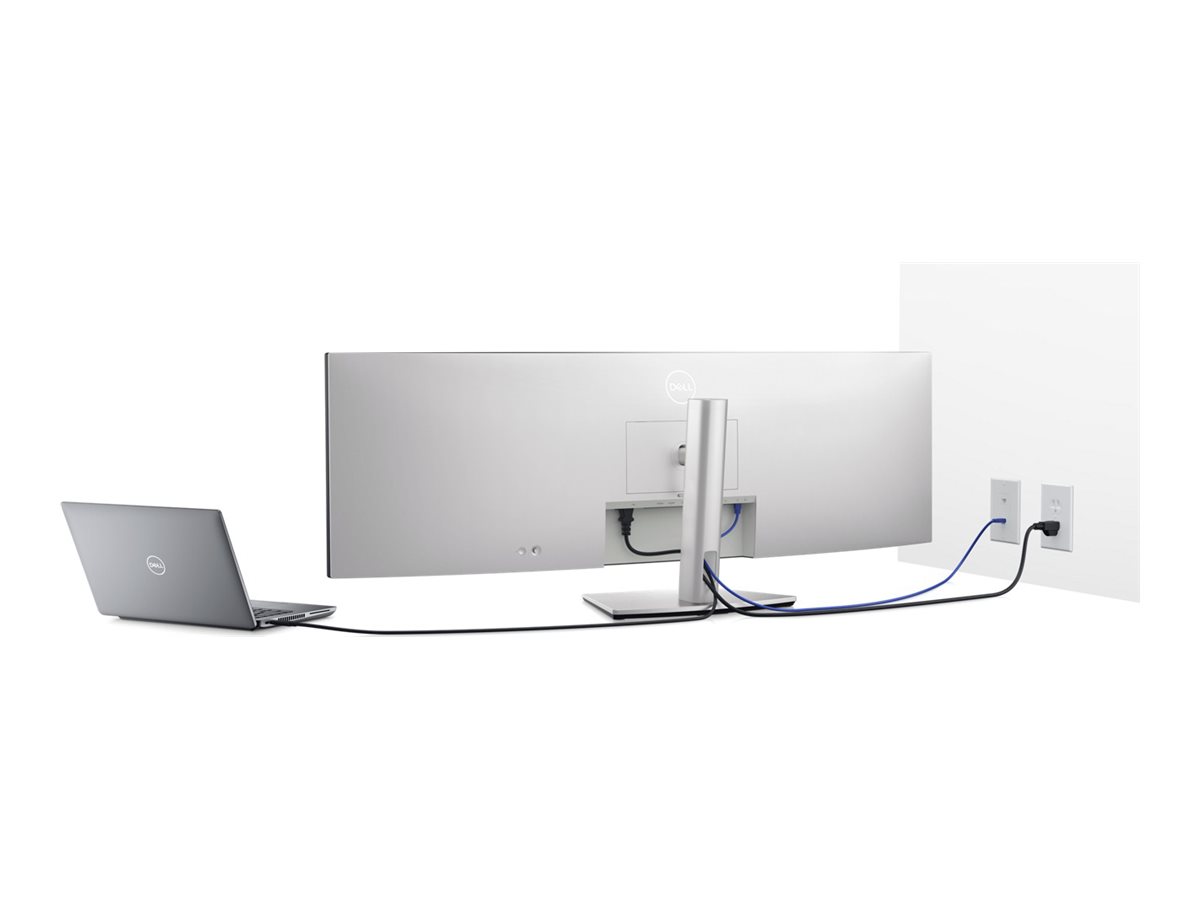
Ét kabel, mange fordele: Reducer kabelrod med et enkelt USB-C-kabel, der kan overføre strøm, data og video.

Udviklet til dig

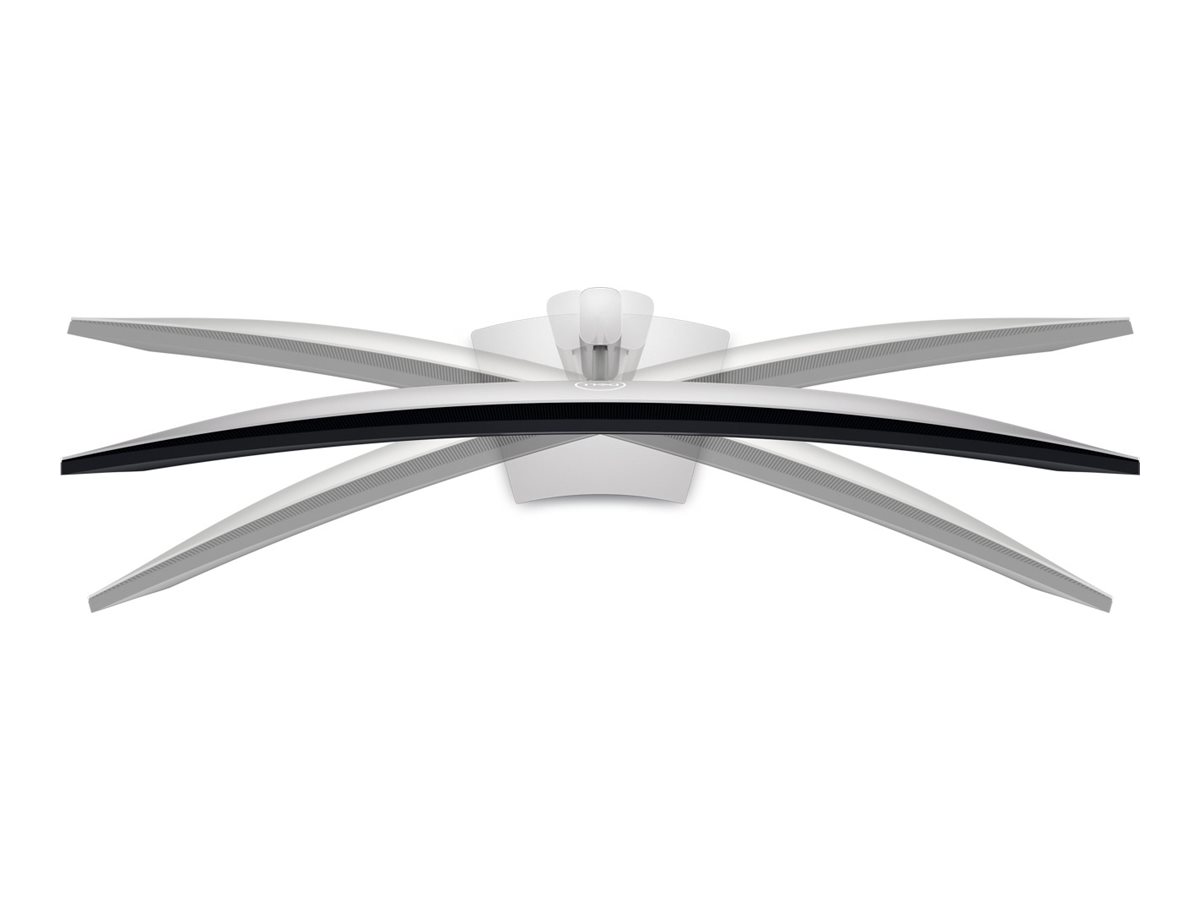
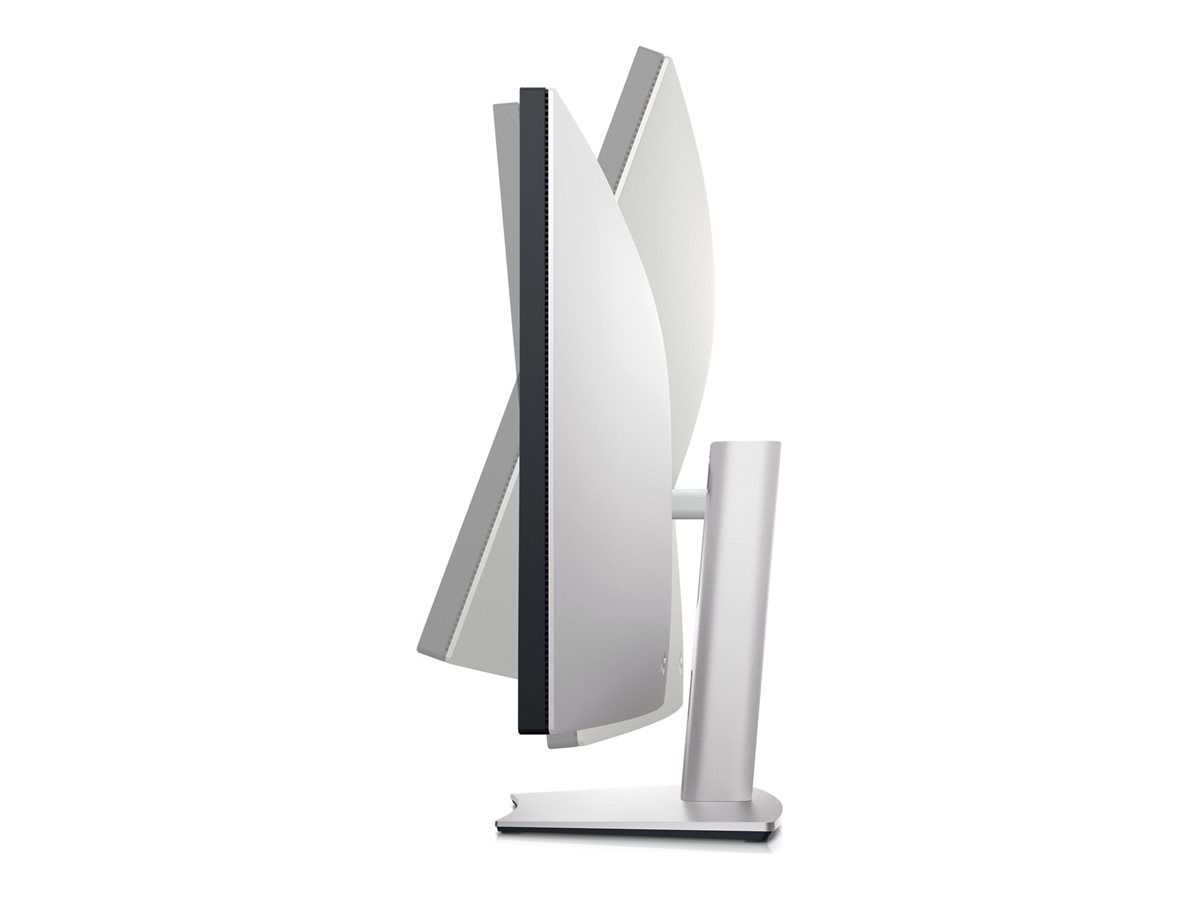
Få en fleksibel arbejdsplads og en skræddersyet visuel oplevelse med den højdejusterbare holder, der gør det muligt at vippe, dreje og justere din skærm, som det passer dig. Vælg mellem VESA-kompatibelt beslag og holdere for yderligere tilpasning.

Main hotspot image
Dell UltraSharp 49 Curved USB-C Hub Monitor - U4924DW

Dell UltraSharp 49 Curved USB-C Hub Monitor - U4924DW

Experience uninterrupted productivity on the world's first 49-inch dual QHD monitor with IPS Black panel technology that immerses you in a world of exceptional color and contrast.
slide {0} of {1}, zoom in, Product image
Product image0:43
Vibrant hues, sharp contrast

IPS Black panel technology: Enjoy deeper blacks with the world's first 49-inch WQHD+ monitor with IPS 
      Black panel technology that delivers exceptional contrast (2000:1) across a wide viewing angle. 
          Equipped with 100% sRGB, 100% REC.709, 98% DCI-P3 and 98% Display P3 color coverage.

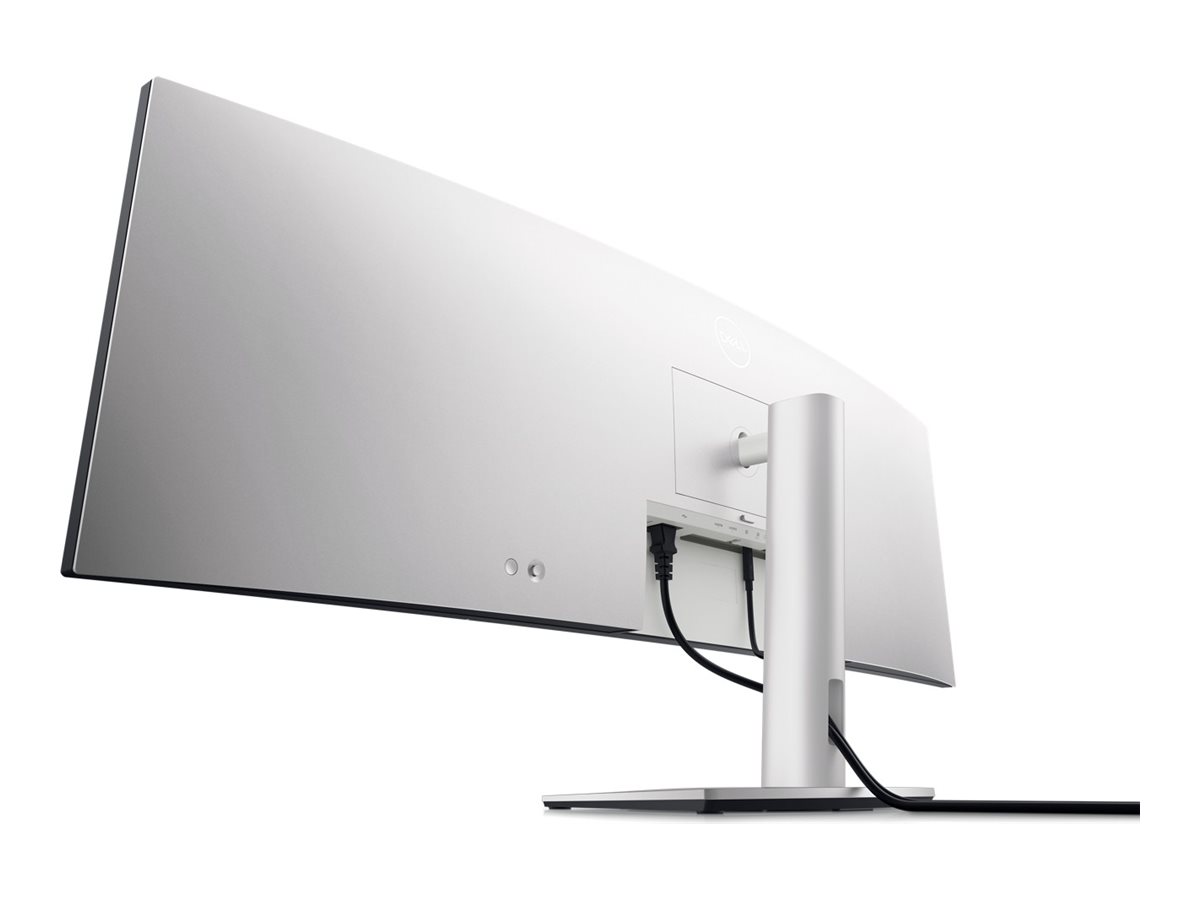
Curved screen: Work comfortably with a curved screen that improves field of view and 
                                    reduces reflection and eye fatigue.

Enhanced eye comfort: ComfortView Plus is an always-on, built-in, low blue light screen that reduces 
                           potentially harmful blue light emissions without compromising color.
Product image
Product image
Power your productivity

Streamline your workflow: A single cable USB-C transmits data and video signals while delivering up to 90W of power.

Fast and stable connection: Get up to 2.5GbE provided by RJ45 with PXE boot, Mac Address pass-thru and Wake on LAN features. RJ45 lock feature gives you the flexibility to lock the wired Ethernet to a chosen PC while continuing to work from dual PC inputs.

Connect: A wide variety of devices are connectable with USB-A and USB-C Gen2 downstream quick-access ports that deliver speeds up to 10Gbps and DP1.4, HDMI and USB-C upstream ports.
Product image
Starting is easy

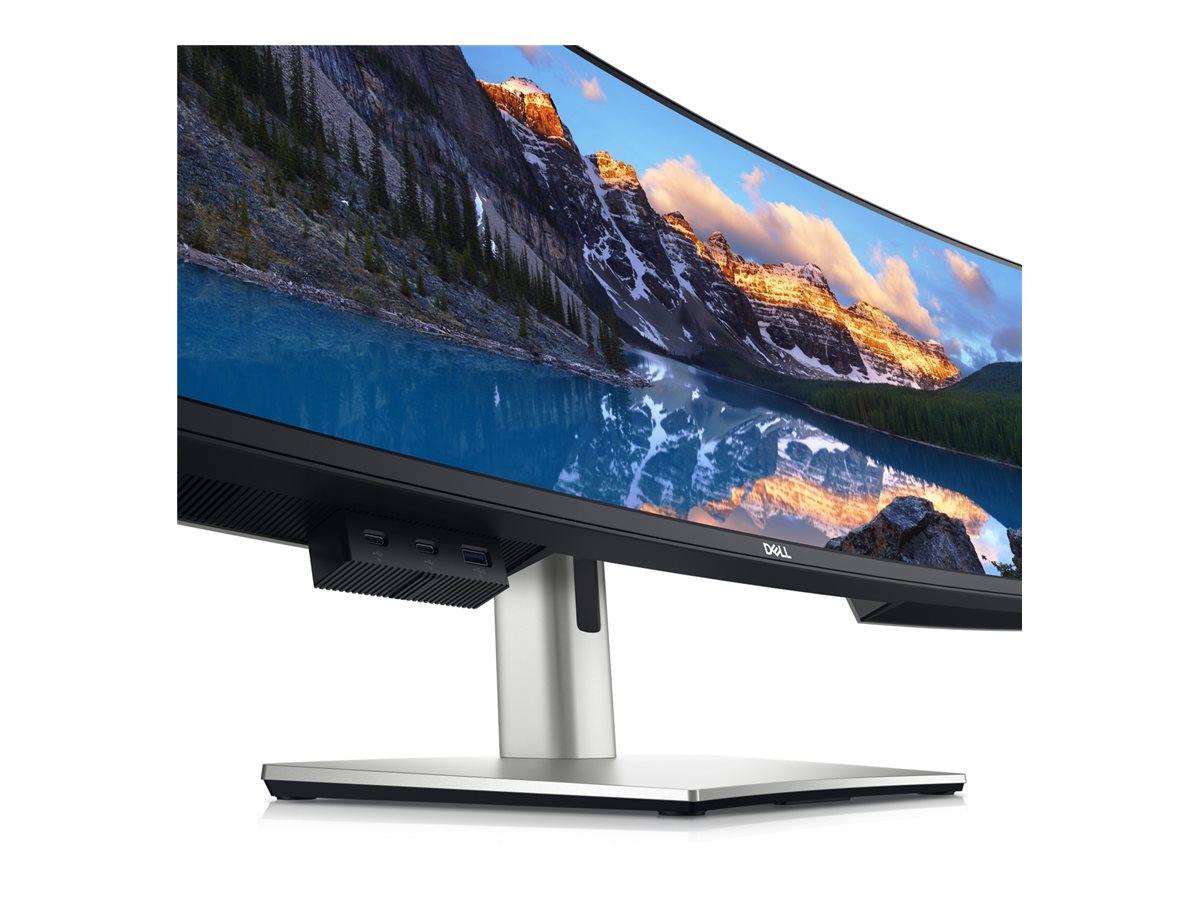
Quick connect: Conveniently located USB-C (up to 15W power) and USB-A ports make it easy to plug in external devices, and built-in dual 9W speakers saves you the hassle altogether.

Dive right into your project: The built-in power sync feature wakes up and powers on your laptop.
Product image
Power of two

Internal Multi-Stream Transport (iMST): View your display across the full screen or split it into 2 x 27-inch QHD partitions with iMST. No external software or DisplayPort splitter needed.

Multitask better: Connect to two PC sources and Auto KVM (keyboard, video, mouse) will seamlessly switch controls over to the second connected PC. Use KVM feature to control both PCs with a single keyboard and mouse. The KVM wizard makes setup a breeze.
Set for comfort 

Work comfortably all day long by tilting, swiveling and adjusting your monitor height to however best fits 
you.
Product image
Product image
Improved Dell Display Manager

Modern intuitive user interface: New modern user interface for ease of use and personalization of features with Menu launcher.

Productive at every level: Easy Arrange allows you to easily tile multiple applications across one or more screens with 49 pre-set window partitions and the ability to personalize up to five windows, giving you improved multitasking abilities.

Stay updated: Get automatic notification anytime for new updates on monitor firmware and software.

Optimize front of screen experience: Get uniform color experience from your monitor seamlessly by matching the color preset of the monitor and the supported ICC profile.

Easy setup and sharing of accessories: Setup a single keyboard and mouse to be shared easily between multiple PCs with USB KVM wizard. Quick access menu or hotkey allow convenient fast switching between PCs.

Product image
Green thinking. For today and tomorrow.

Environmental standards: This monitor uses 85% PCR (Post-consumer Recyclable) plastic in the design, 90% recycled aluminum and meets the latest environmental standards such as EnergyStar®, and TCO Certified Edge, and is EPEAT® Gold registered.

Eco-conscious packaging: Designed with the environment in mind, Dell commercial monitors come in 90% recyclable cardboard packaging

Energy conservation: Save energy with PowerNap, a feature that dims or puts your monitor to sleep when it’s not in use.

Advanced sustainability: Dell Technologies is committed to reducing environmental impact throughout the product lifecycle. 
Connectivity Options
Product image
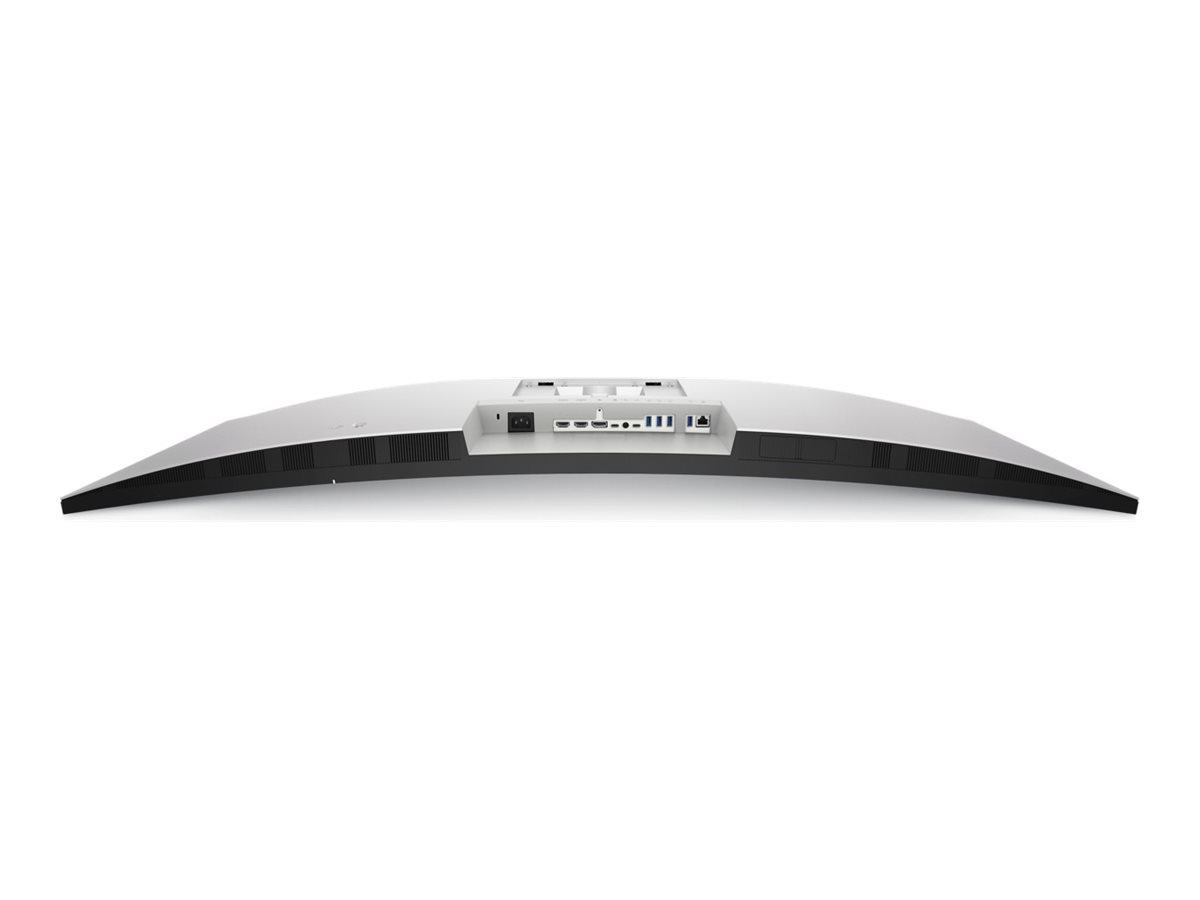
Ports & Slots

1. Security lock slot (based on Kensington Security Slot™) 
2. Power connector 
3. 2x HDMI 
4. DisplayPort 
5. USB Type-C upstream port (Video + Data). Alternate mode with Display Port 1.4, Power Delivery up to 90 W 
6. Audio line-out port 
7. USB Type-C upstream port (data only, SuperSpeed USB 10 Gbps, USB 3.2 Gen 2)


8. 4x USB Type-A downstream ports (SuperSpeed USB 10 Gbps, USB 3.2 Gen 2) 
9. RJ45 connector 
10. Stand lock 
11. 2x USB Type-C downstream ports (SuperSpeed USB 10 Gbps, USB 3.2 Gen 2) 
12. USB Type-A downstream port with power charging (SuperSpeed USB 10Gbps, USB 3.2 Gen 2) 
13. Speakers
Cables Included

1. Power cable 
2. DisplayPort cable - 1.8 m 
3. USB Type-A to USB Type-C Gen 2 cable - 1.0 m 
4. USB Type-C cable - 1.0 m 
5. HDMI cable - 1.8 m
Se Dell seneste FAQ - løser 90 % af typiske problemer
http://www.dell.com/support/home/dk/da/dkbsdt1/?c=dk&l=da&s=bsd&~ck=mn

Teknisk support: 70 23 01 82

Bemærk: Enkelte produkter forekommer med tysk manual i stedet for Dansk.

RMA

For håndtering og oprettelse af Dell garanti
Kontakt Dell på 70 23 01 82

Har du dit service tag, så benyt formularen så bliver du videre sendt til den rigtige afdeling.
http://www.dell.com/support/incidents/dk/da/dkdhs1/Phone/Phonetagentry